— ideapeel Blog


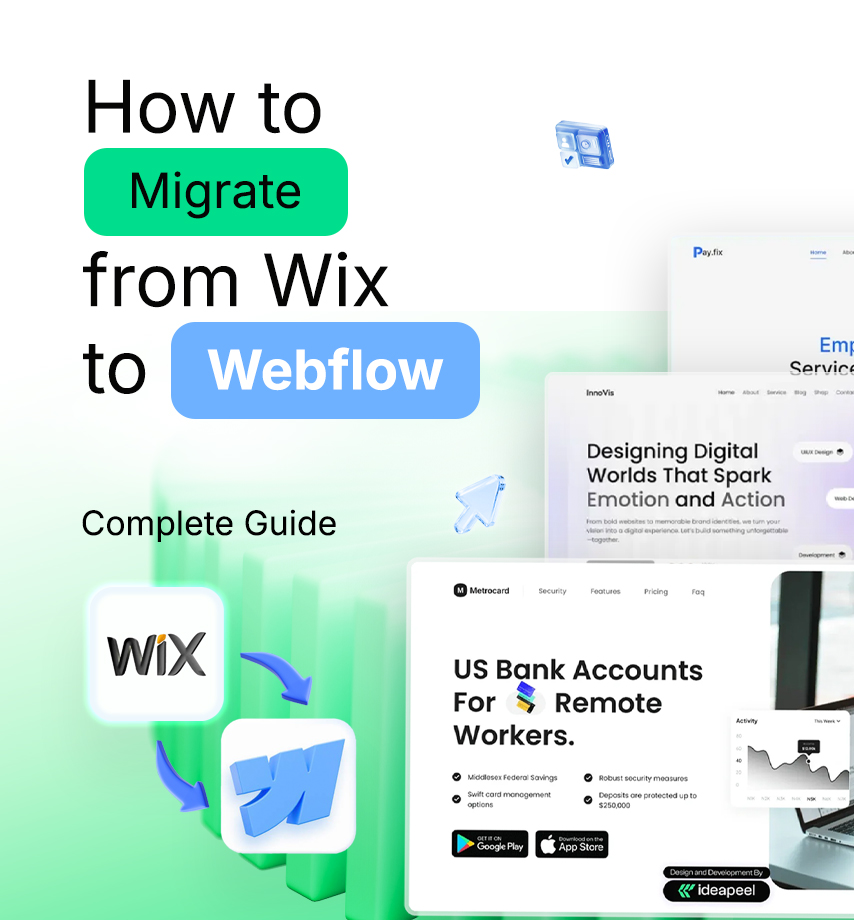


Planning to move your website from Wix to Webflow? Still weighing the pros and cons?
Both platforms are beginner-friendly, but many Wix users face common problems—unresponsive design, slow site speed, limited customization, and high hosting costs. That’s where migrating to Webflow becomes a smart choice.
So, how do you migrate from Wix to Webflow without the headaches?
In this article, you’ll find a quick, practical guide with tips to make your migration effortless. Stay tuned.
Benefits of Using Webflow Over Wix
Is migrating a Wix website to Webflow a worthy decision? Let's decide clearly with a scenario of Webflow advantages over Wix.
1. More design flexibility
Wix is a user-friendly and quick option to create generic websites. And its advantages stop here.
Meanwhile, Webflow enables the creation of highly bespoke and responsive designs with plenty of customization. It is user-friendly, and you have complete control over layout, styling, and animation.
Webflow offers more design flexibility and custom code to build a unique website.
2. Responsive design
One area where Wix often falls short is responsive design, where Webflow excels.
Generally, Wix doesn't produce responsive websites. Their builder relies on an old model where they used to create two separate websites—one for desktop and another for mobile users.
In contrast, Webflow features a fully responsive design. It is designed with device-specific breakpoints and tools like Flexbox or Grids that ensure elements resize perfectly.
3. Better SEO control
Again, Webflow offers convenient on-page editing and advanced SEO settings like custom meta tags, alt attributes, and 301 redirects, all with complete control over HTML.
Wix has limited control over SEO throughout its journey. So, switching from Wix to Webflow can benefit you by generating traffic and driving sales.
4. Fast-loading performance
Faster loading speed is another crucial factor for SEO rankings.
Webflow provides cleaner code, which results in faster loading speed. It's a fully power-packed website design with HTML, CSS, and JavaScript. So, you don't have issues with slow performance at all.
Wix is considered a heavier codebase platform that leads to slower site speed.
5. Offers scalability
Webflow offers excellent scalability for growing businesses or complex projects.
With Webflow, you'll get an advanced CMS collection, e-commerce features, and a high level of integration to grow your business. Wix is a good choice for small- to medium-sized business websites.
How to Migrate from Wix to Webflow: Step-by-Step Guide
Moving your website from Wix to Webflow requires technical steps to follow. Here's how you can migrate more efficiently.
Step 1. Planning your migration
Before transferring your Wix website, back up your data first; it'll ensure that you won't leave anything that needs to be exported.
- Go to CMS in your site's dashboard.
- Select More Action
- Now, click Backup
Outline your Wix site migration challenges and the desired outcome so that your business goal remains the same without the effect of the transition.
Step 2. Export content from Wix
Next, list the URLs, content, images, and videos you want to export from Wix.
Since Wix doesn't offer the ability to export Wix website content directly to Webflow. So, you need to export all selected content to Webflow manually.
Step 3: Design your Webflow site
You can either redesign a fresh, structured Webflow design. Or, recreate the current Wix website on Webflow.
While redesigning or recreating a new design, implement the same structure and aesthetics of your existing Wix site. It'll make it easier for users to find older content or information as before.
Pro tip: Hiring Wix to Webflow conversion expert will give you the maximum result.
Step 4: Import content to Webflow
Text: Move text from Wix to Webflow CMs and static pages.
Images: Download images and re-upload them to the Webflow Asset Manager.
Blog post: Export blog posts into a CSV file and import the CSV file into the CMS collection of Webflow.
Step 5: Ensure website SEO performance
Ensure your website ranking on search engines remains consistent after moving wix website to another account.
Therefore, use SEO best practices to boost website traffic to your website and stand out on SERP (Search Engine Results Page)
Meta title and description: Setup SEO tags for each page
Alt tags for images: Add descriptive text for each image for better rankings
Sitemap and Robot.txt: Enable sitemap and robot.txt from Webflow settings
Step 6: Set up 301 redirects
Another crucial part of Wix site transfer is to set up 301 redirects Webflow.
Redirect all the crucial links to your new website so your visitors can directly reach you without finding 404 pages.
Step 7: Test your site
Test your website's performance and ensure that all things have been done perfectly. The checklist is:
- Page layout
- Responsiveness
- Internal and external link
- Interactive elements
- Load speed and performance
Step 8: Launch your website
After a successful migration to the Webflow site, ready to launch your website.
[[inner-cta]]
How to Transfer a Wix Domain to Webflow [2 Easy methods]
Want to transfer Wix domain to Webflow? But, where you might be stuck. Let's fix this.
Option 1: Keep Wix as Your Registrar (Fastest and Easiest way )
- Add Your Domain in Webflow
- Go to Site Settings → Hosting → Custom Domains.
- Add both example.com and www.example.com.
- Copy the A Records, CNAME, and any TXT record Webflow gives you.
- Go to Site Settings → Hosting → Custom Domains.
- Back Up Your Current DNS
- In Wix → Domains → Manage DNS Records.
- Screenshot or copy all existing records (A, CNAME, MX, TXT, SPF, DKIM).
- In Wix → Domains → Manage DNS Records.
- Update Wix DNS
- A Record (@) → Replace with Webflow’s A Record(s).
- CNAME (www) → Replace with Webflow’s CNAME.
- Add the TXT record if Webflow requires verification.
- Save your changes.
- A Record (@) → Replace with Webflow’s A Record(s).
Note: Wix does not allow nameserver changes for Wix-registered domains.
- Publish & Verify in Webflow
- In Webflow, click Publish.
- Wait until both root and www show as “Connected” with SSL active.
- In Webflow, click Publish.
- Check Your Email Records
- Make sure MX, SPF, DKIM, and DMARC records still point to your email provider.
- Fix any missing values to avoid email issues.
- Make sure MX, SPF, DKIM, and DMARC records still point to your email provider.
- Test the Connection
- Visit example.com and www.example.com.
- Use a DNS checker to confirm the new A and CNAME records are live.
- Visit example.com and www.example.com.
Option 2: Transfer the Domain Away from Wix
Use this if you want your domain managed at a different registrar like Cloudflare, Google Domains, Namecheap.
Part 1: Start the Transfer
- In Wix, go to the Domain option.
Domains → Transfer Away from Wix → unlock and request the EPP code.
- At your new registrar → “Transfer Domain In” → enter your domain + EPP code.
- Approve transfer emails.
- Back up all DNS records before the transfer completes.
Note: Wix domain can’t transfer within 60 days of registration or contact change
Part 2: After Transfer Completes
- Recreate all DNS records at your new registrar.
- Add Webflow’s A Records and CNAME for both root + www.
- In Cloudflare: set these Webflow records to DNS-Only (grey cloud), not proxied.
- Publish your site in Webflow and confirm SSL is active.
- Re-add MX/SPF/DKIM for email and test.
Migrate from Wix to Webflow Website Without Costly mistakes
Moving your website from Wix to Webflow isn’t always easy. Many people struggle with 301 redirects, domain transfer, and keeping SEO rankings.
We’ve handled 50+ website migrations and know how to make it simple.
Have questions? Talk to us and make your Wix to Webflow move smooth and stress-free.
Final Thoughts
Migrating Wix to a Webflow website is not at all challenging. With the proper guidance, expertise, and support, you'll go far with Webflow!
One challenge you may face is the learning curve of Webflow. Coding knowledge can make the journey smoother and unlock Webflow's full potential.
Again, the struggle behind transferring your domain is also a matter.
No worries.Our expert team will assist you in connecting your domain from Wix to Webflow after migration.
Reach out to us today.
[[last-cta]]
Searching for Webflow services but overwhelmed by too many choices?
You're not alone! Selecting the best Webflow agencies in 2025 is a game-changer for your business growth, but how do you find the best one?
Stop wasting time on endless research! We've done the hard work for you. This guide reveals our expert-reviewed list of the top 6 Webflow service providers in the USA, trusted for their design expertise, development skills, and proven results.
Top 6 Best Webflow Services in the USA
1.ideapeel

Location: Atlanta, Georgia
Key services: Webflow Development and Design, SaaS development, UI/UX design, Branding, SEO
Best for: Businesses that need a strong brand identity and SEO-focused Webflow sites
ideapeel provides world-class Webflow website development services that help businesses grow with a result-driven end-to-end Webflow solution.
Our Webflow development experts stay ahead of the curve by researching industry-leading solutions, top trends, AI and latest updates, setting us apart from the competition.
From UI/UX, branding, SaaS, and migration to website maintenance, we ensure your website's long-term success. We've launched 166+ websites that accelerate revenue from the first month.
We first listen to your business needs and deliver Webflow responsive web design and development that enhances user experience and drives profitable results, helping you stay ahead in a competitive market.
Get a personalized quote today and bring your dream business to life!
[[inner-cta]]
2. SVZ

Location: San Francisco, California
Key services: Webflow development, UI/UX design, and branding.
Best for: Businesses that want a long-term Webflow partner to scale revenue.
SVZ is a custom Webflow website developer agency that implements design integration, technical development, and usability testing in a single core service.
SVZ is a one-stop solution for enterprise businesses focused on building a strong brand identity, optimizing web performance following SEO tactics, and providing the most efficient user experience.
The one thing that is more appreciated is the CMS training and upskill resources they provide to the Webflow users.
3. Belt creative
Location: Saint Petersburg, Florida
Key services: web development, SEO, PPC.
Best for: Companies that want both Webflow and integrated marketing services
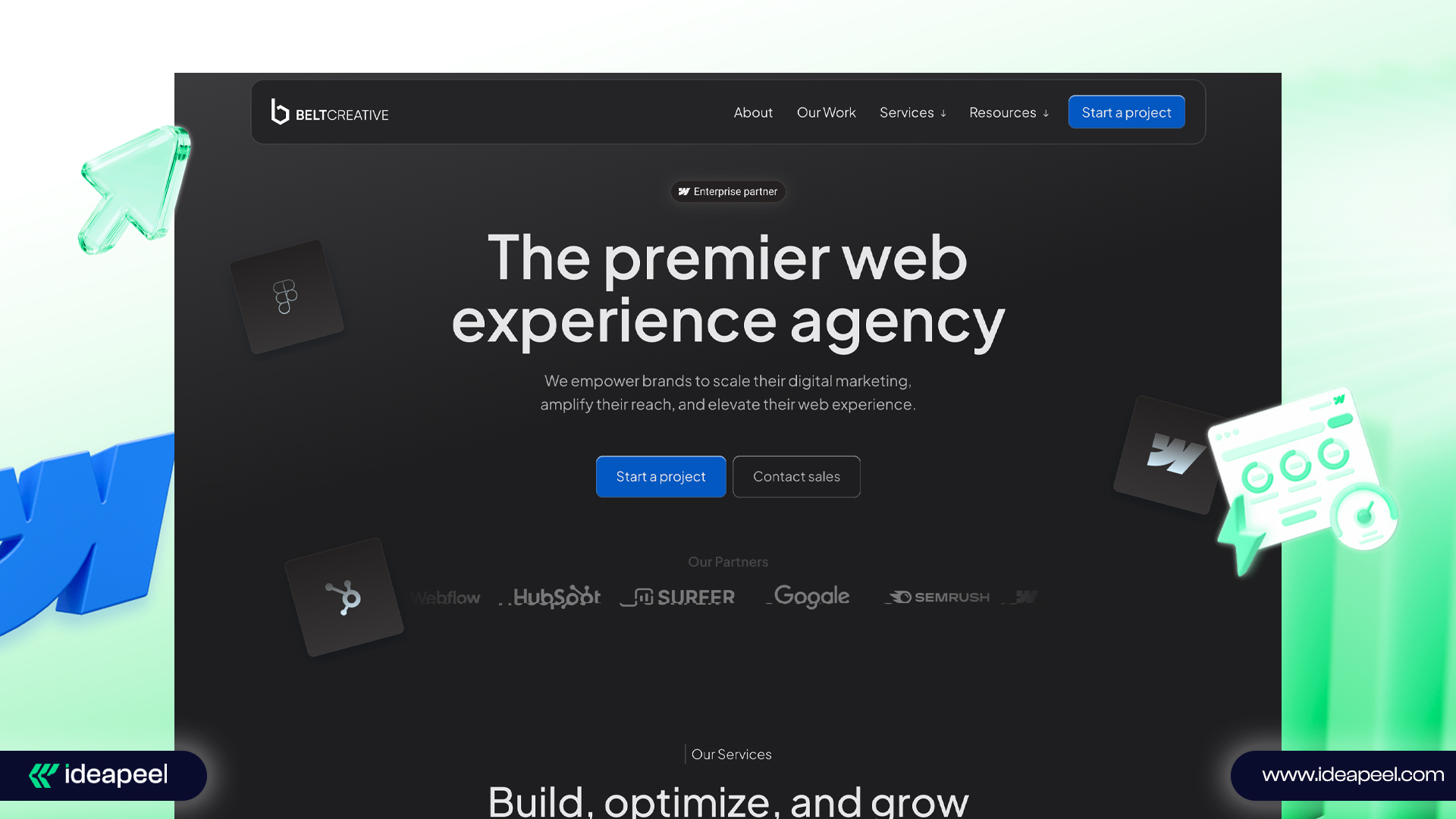
Belt Creative is a full-service Webflow development expert specializing in the design, development, migration, and optimization of Webflow websites with excellence.
With exceptional migration expertise and redesigning Webflow websites, Belt Creative supercharges the enterprise business to scale and provides a seamless web experience.
Belt Creative is not just a Webflow development service! They are a full-on marketing team helping grow your business within branding strategy, responsive design, marketing integration, and post-launch support.
4. Finsweet
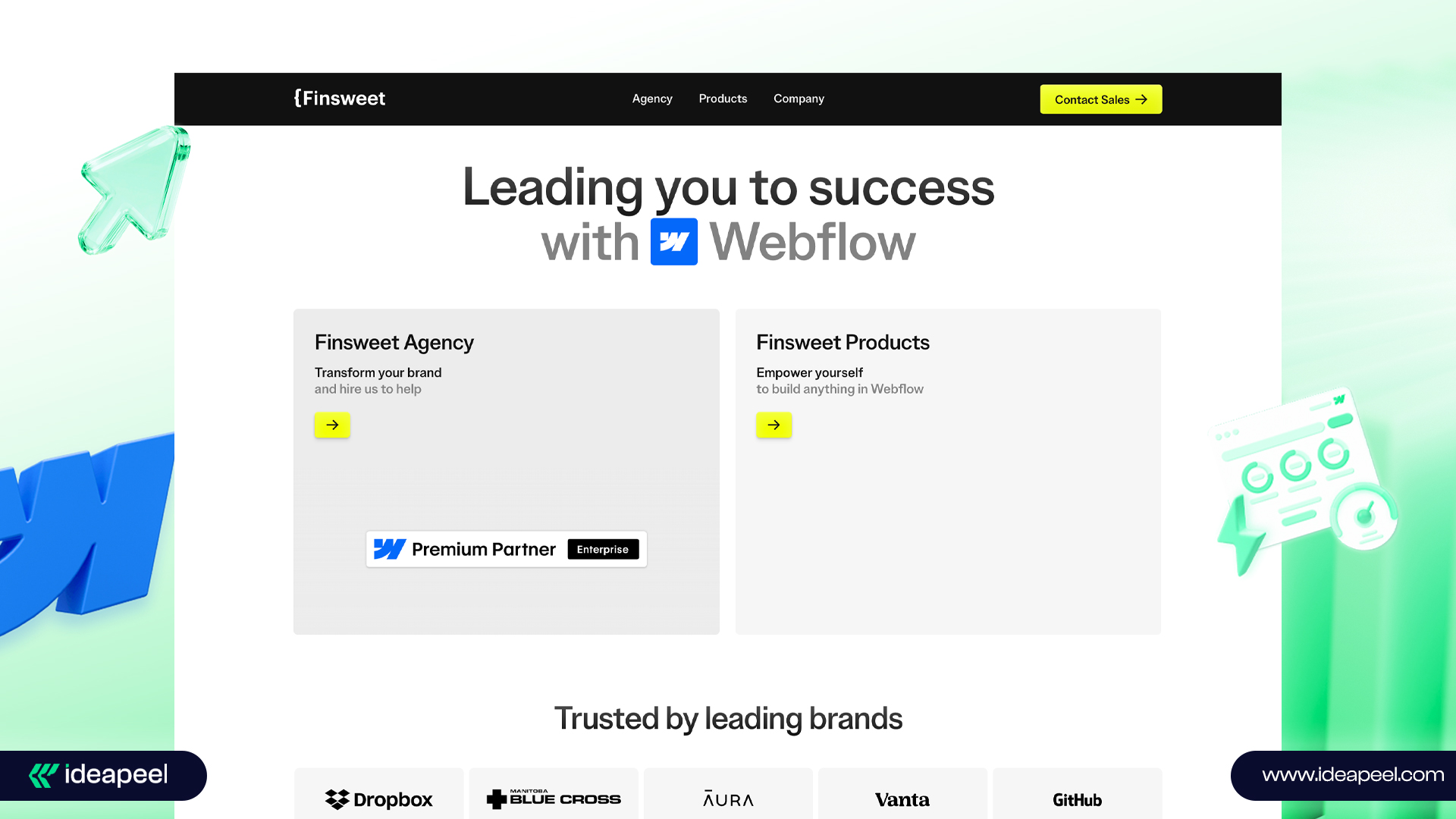
Location: New York, US
Key services: Web apps, Webflow design, branding, SEO, API integration
Best for: Businesses needing complex Webflow builds with advanced customizations
Finsweet is one of the best Webflow platforms to connect Webflow developers, Webflow businesses, and the Webflow community to build something exceptional beyond competitors.
Finsweet, a dedicated Webflow agency, serves everything needed to have perfect Webflow websites—from branding, low-code development, web apps, and product design to technical service and API integration.
5. Amply
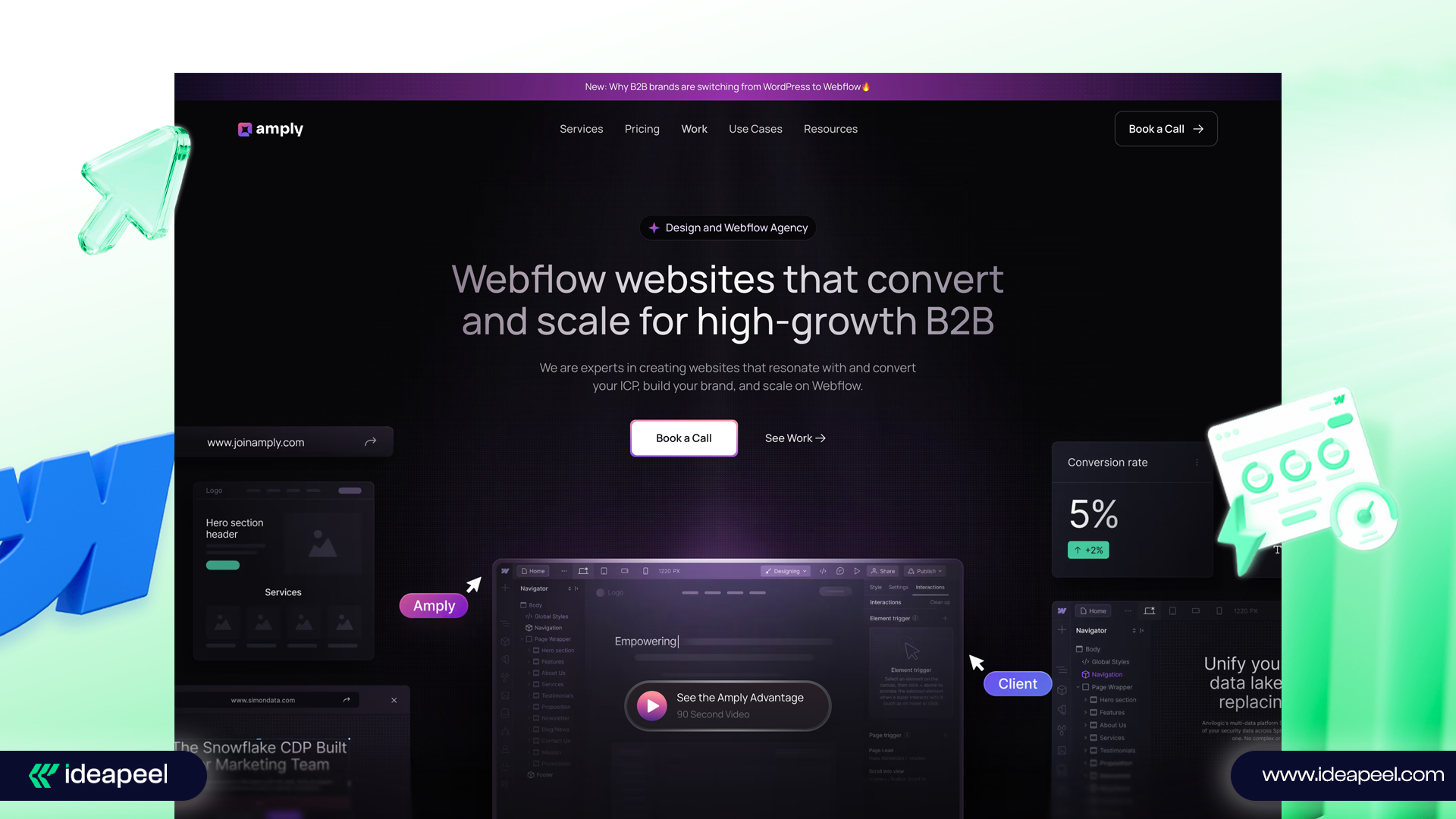
Location: Lehi, Utah
Key services: B2B website design, Webflow web development, and branding
Best for: B2B companies seeking scalable, conversion-focused Webflow websites
Amply is a B2B Webflow service that serves conversion-driven design and a faster time-to-market Webflow website.
The Amply team designed and developed a scalable Webflow website with clean code optimization. Additionally, they have expertise in integrating third-party Webflow tools, migrating outdated sites to Webflow, and SEO audit and optimization.
6. Veza digital
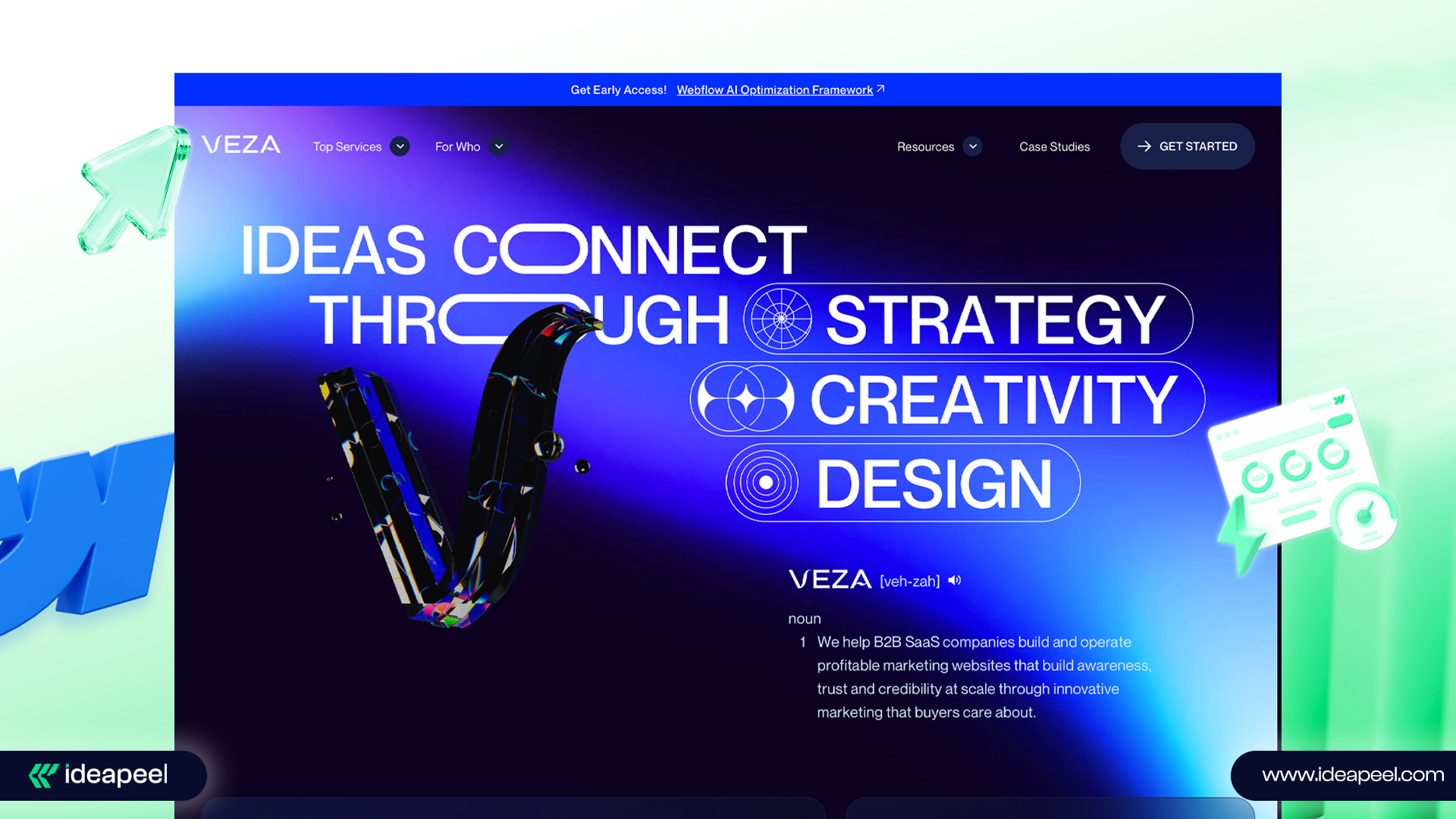
Location: Salt Lake City, US
Key services: Webflow development, web design, and branding.
Best for: Startups scaling to enterprise level with a clear digital roadmap.
Veza Digital creates ROI-driven, high-performing Webflow websites that reflect the brand's success stories.
They empower startups to scale up businesses to enterprises and guarantee their digital presence with a clear roadmap strategy.
The AI-driven project management, responsiveness, and fastest delivery help them to earn potential clients and grow faster.
How to Find the Best Webflow Services in the USA
1. Asses Webflow expertise
Find an agency that has a certified Webflow developer team. Check out their technical proficiency, experience, expertise, and industry recognition certificate.
2. Check out the portfolio and case studies
Investigate their previous clients' reviews and case studies. Check whether they have expertise in industries similar to yours. Note how the agency helps clients solve challenges and generate revenue.
3. Evaluate technical expertise
Search whether they have Webflow front-end developers to leverage technical advancements in website development. Are they experts in custom code functionalities, third-party integration tools, and Webflow CMS implementation?
4. Identify the development process
Always look for the best development process sequence!
The expert Webflow developer not only designs aesthetically appealing websites. They also prioritize your business goal, industry-specific challenges, and modern and agile methodologies to provide an up-to-date market website!
5. Communication and collaboration
Having transparent communication between you and the Webflow service partner is crucial.
Seek a responsive, real-time, supportive team and identify the project management tools they use to collaborate with clients.
6. Review prices and value
Selecting a service provider according to your budget and specific needs is crucial.
Review their service packages and then choose the best pricing plans you need.
Pro tips: Try several of the best Webflow agencies with a custom quote request and free consultation. Identify how they give you the ultimate value for your business. And then confirm the best deal.
Freelance Webflow developer VS Webflow Agency: Which one is right for you?
When building a Webflow website, business owners often face a common dilemma: should they hire a freelance Webflow developer or work with a Webflow agency?
Your decision depends on key factors such as project size, budget, and long-term goals. Let's break it down:
Freelance Webflow Developer
Best for:
- Small businesses and startups
- Simple website design and development
- Short-term projects
- Businesses with a limited budget
Potential drawbacks:
- Limited professionalism and scalability
- May lack expertise for complex, niche-specific projects.
- Costs can add up if multiple freelancers are hired for different tasks.
Webflow Agency
Best for:
- Businesses of all sizes, including startups, small, and enterprise businesses.
- End-to-end solutions: UI/UX design, branding, SEO, and more
- Faster turnaround and seamless project management
- Higher quality, consistency, and professionalism
Potential drawbacks:
- Requires a larger budget
Bonus tips: A Smarter Way to Find a Webflow Expert for Hire
We have the perfect solution if you're unsure about committing to a full-scale agency or are hesitant about working with freelancers!
At ideapeel, we offer flexible hourly, monthly, and yearly packages to fit your needs.
- Test our expertise with an hourly contract—just like hiring a freelancer.
- Then, scale up to a long-term partnership for game-changing Webflow services!
Subscribe to our package and enjoy a seamless Webflow experience.
Why Choose ideapeel as the Best Webflow Service Provider in the USA?
- Proven track record of successfully launching 166+ websites with Webflow design and development.
- Maximize ROI by approximately 120% and conversion rate up to 85%
- Have industry expertise across 15+ niches, including SaaS, tech, real estate, and others.
- We have a senior front-end developer, Webflow CMS developer, Webflow ecommerce developer, and Webflow website migration expert to serve you the best digital experiences.
- Our Webflow development process follows agile methodologies and recent trends and adapts to industry-specific challenges to stay ahead of competitors.
- Utilize industry-leading project management tools like Jira and Asana to streamline workflow and ensure real-time feedback.
- We offer transparent subscription packages according to business size and needs.
Let's make your stress disappear!
Content Us Today and experience a seamless Webflow journey!
[[last-cta]]

Imagine this — your SaaS idea solves real user pain points and instantly catches the market's attention.
But after launching, you’re faced with a harsh reality: high bounce rates, low engagement, and disappointing results.
You don’t want that, right?
That’s exactly where SaaS UI/UX design makes all the difference.
Without a well-designed user experience, your users won’t even spend a minute discovering your SaaS platform, no matter how great your idea is.
Face the facts and take your next step carefully.
In this article, we’ll share proven SaaS UI/UX tactics and real-world benefits and show you the best service to help you build a seamless and result-driven SaaS experience.
What is SaaS UI/UX design?
SaaS UI/UX design focuses on creating an intuitive user experience and ensures easy navigation, guiding users through the platform effortlessly.
A real-life example is Amazon!
Amazon creates a good user experience design with mobile-friendly UX, easy navigation, the fastest shopping experience, and amazing product filtering.
They have a specifically high budget for UI/UX to improve customer experience, and they have experienced the maximum return on investment (ROI).
Why does SaaS software need UI/UX design?
Your SaaS software UI design can be spoiled with complex architecture, flooded features, and unclear CTA placement. That’s why, without delay, you should focus on improving your SaaS UI/UX to unlock powerful benefits as:
1. Build instant trust
An effective onboarding process is crucial, and it can be simplified through the intuitive SaaS dashboard design.
SaaS platforms prioritize user experience and only display a few essential steps needed to complete a subscription or make a purchase.
This simplicity helps create a positive impression, making users feel more comfortable sharing their credit card information or personal details.
2. Seamless user experience
SaaS user interface design ensures a clear visual hierarchy and guides users through their final tasks easily.
This first impression allows visitors to explore your product smoothly without overwhelming interfaces.
3. Reduce churn and friction
A clean navigation, easy onboarding, and essential features in a SaaS product page design encourage visitors to purchase or sign up.
On the other hand, a complex and confusing UX architecture often results in losing potential customers.
4. High conversion rates
Too many steps frustrate users and cause high bounce rates.
Streamlining essential actions, using clear CTAS, and minimizing distractions boost conversions and enable upselling opportunities
5. Increase customer retention and loyalty
Only getting a subscriber or one-time client isn’t the ultimate goal, right? Maintaining a positive and long-term relationship is important.
That's why creating a smooth and enjoyable journey for your customers encourages them to take your SaaS plan over time.
Our Proven Process for Designing High-Impact SaaS Applications
We consult with so many SaaS businesses struggling with bounce rates, losing potential clients, and vendor lock-in performance at a time.
At ideapeel, we identify all the gaps they have in their UX research to implement strategies. Our proven user-friendly SaaS platform design works for 170+ SaaS startups and enterprises. Here's how we do it:
Step 1. Strategic product positioning
We start with creating a clear UX strategy, brand positioning, and unique value proposition (UVP)
Step 2: Conduct user research
Identify user personas, behavior, and pain points by conducting interviews, surveys, and competitor analysis.
Step 3: Develop information architecture
At this stage, we categorize information and create simple and easy navigation systems, search menus, and workflows to maximize findability.
Step 4: Utilize wireframing and prototyping
Before full-scale development, we design low-fidelity wireframes and clickable prototypes.
After gathering feedback, our UI/UX designer placed it into the development phase.
Step 5: Ensure cross-platform consistency
It’s time to ensure responsive UI design for the SaaS platform across all devices.
We design responsive layouts and unified systems with adaptive UI patterns.
Step 6: Conduct usability testing
SaaS application usability testing is an important part of revealing how the UX/UI design performs!
We observe interactions, identify issues, and make necessary adjustments to keep your SaaS a go-to launch product in a short time.
Step 7: Post-launch support
Unlike traditional agencies, we don't leave in the middle path. We take regular user feedback, monitor usage patterns, and ensure your long-term SaaS growth.
Excited to know more? Let's explore how we transform SaaS into a revenue engine.
[[inner-cta]]
How to Find the Right UI/UX Design Agency for Your SaaS Product?
Here are the factors you need to consider while selecting the best UI/UX design agency for your SaaS product.
Saas-Specific Experience:
Don't overlook a UI/UX agency without SaaS expertise. It's crucial to hire a specific SaaS UI/UX design expert team that deeply understands workflows, onboarding, dashboards, and user behaviour.
Proven portfolio
Explore all the case studies, customer reviews, and design portfolios to investigate their capability to design your expected SaaS.
Design process and team collaboration
Check their SaaS design process, team expertise, and the collaboration tools they use.
A transparent process minimizes frustration, miscommunication, and project delays.
Prototyping and developer handoff
Ensure the agency delivers dev-ready assets, detailed Figma files, interactive prototypes, and clear handoff documentation.
Pricing
UI/UX design pricing is the most important factor needed to consider that aligns with your budget and project.
Why Choose ideapeel for SaaS UI/UX Design Services?
The decision is upon you! Do you want to resolve UX issues for now, or do you want a supportive partner beside you?
If you need the right SaaS UI/UX design agency and consultant, you can consider ideapeel!
With so many options, it's obvious to have a big question: Why select ideapeel? Here are the practical reasons:
Proven track record: Completed 170+ SaaS website UI designs, mobile app designs, and product designs across 15+ industries, including fintech, healthtech, edtech, and more. Our client has experience:
- 200% increase in conversion rates
- 50% lower churn rates
- 30% increase in active usage
- 20–30% saved in development time
Custom SaaS UI/UX development: Provide user-centred design to solve users' pain points within a clean dashboard and onboarding workflows.
Clickable Prototypes and Developer Handoff: Deliver high-fidelity, interactive prototypes and clean, developer-ready handoffs via Figma + annotations.
Scalable SaaS design system: Create modular, reusable UI components that accelerate faster SaaS development and are easy to maintain for future scaling.
Transparent Communication: Committed to following agile methodologies and real-time collaboration loops with effective project management tools, Slack and Jira.
Ongoing UX Support: We stay available post-delivery for iterations, testing feedback, and continuous improvement.
Flexible pricing model: Our pricing model has both subscription-based and one-time payment options. You can also get a custom quote based on your budget and product roadmap.Want to start your SaaS UI/UX design that results in success?
Conclusion
You are just one step away from attracting your potential leads and growing the way you want.
It's a successful SaaS product that satisfies user needs, engages them, and converts them into potential clients.
What's next?
Book your free consultation today and get the best SaaS UI/UX design to celebrate success.
[[last-cta]]

Did you know nearly 70% of SaaS startups fail within their first 5 years?
Why?
Mostly due to poor strategy, lack of product-market fit, and lack of the right guidance.
That's why investing in expert SaaS consulting services is a game-changing move. In a market full of so-called experts, finding real results is tough.
At ideapeel, we simplify SaaS consulting with clear strategies, real direction, and ROI-driven, focused results to help you build an effective SaaS product without costly mistakes.
This article describes how having the right consultant can transform your Software as a Service product into a power-packed revenue tool.
What is a SaaS consulting service?
SaaS consulting services help businesses streamline existing workflows or develop SaaS products that perform flawlessly, leveraging expert knowledge in tools, scalability best practices, and seamless integration strategies.
The ultimate challenge is to choose the right SaaS product for your business, where many companies make the wrong decision.
Meanwhile, having SaaS consulting is an asset in bringing revenue for long-term growth and success.
Why Growing SaaS Companies Trust Our SaaS Consultants
You'll find many services that provide SaaS consulting in the market! But there's only one strong one out there with SaaS expertise in your area!
And it's the scenario where SaaS businesses think SaaS marketing consultant services are a waste of money!
Well, you face a growth roadblock not because of poor SaaS development, but because of-
- Poor execution
- Unclear strategy, or
- Hiring the wrong consultants.
SaaS companies face a real problem: things go wrong without an expert consultant. Let's explore how our SaaS consultancy gets things right and executes ROI-driven solutions.
1. Clear roadmap without just solving a single problem :
Many traditional consultants indicate an error with a single buying decision lens, which damages your SaaS growth market.
In contrast, our consultant starts with identifying every stage of your existing SaaS before touching a single line of code.
- Understand your goals
- Define the target audience
- Align monetization with execution strategy.
2. Lean and scalable SaaS solution
Like others, we don't design complex SaaS architecture with overengineering. As our process maintains,
- Faster development cycles
- Lower infrastructure and maintenance costs
- Easy scaling without reengineering
3. Strategic tech stack selection
The most common issue that causes vendor lock-in and performance bottlenecks is choosing the wrong tech stack!
We ensure the proper stack backend, database, or cloud provider, as,
- Scalable backend and database solutions
- Cloud providers based on usage & budget.
- Avoid vendor lock-in and tech debt.
4. Strong SaaS multi-tenancy design
Inexperienced SaaS consultants fail to implement multi-tenancy strategies that lack data security, have compliance issues, and have limited enterprise solutions.
In that case, our enterprise SaaS consultants
Build flexible and secure multi-tenancy frameworks that support both B2B and B2C models.
- Data isolation and role-based access
- Enterprise-ready compliance (SOC2, GDPR)
- Serve multiple tenants with ease.
5. DevOps and CI/CD from day one
Ignoring deployment pipelines or staging environments is a big mistake that leads to delays, developer frustration, and bugs in production.
From day one, we follow automated deployment, testing, and rollback pipelines so your team can ship faster, safer, and more often.
Our 5-Step SaaS Business Strategy Consulting Model
Step 1. Start with a consultation
We start with generating ideas about your business goal, target audience, and existing SaaS features you need to improve or have in your new SaaS.
Additionally, our custom SaaS implementation services ensure a proven strategy based on SaaS's latest trends, unique challenges, competitor analysis, and alignment of product goals with user pain points.
Step 2. Create a strategic roadmap
Our Enterprise SaaS consulting experts build a clear, actionable plan that includes,
- Milestones and requirements
- Minimal Viable Product (MVP scope)
- Prioritize high-impact features
Step 3. Architecture and tech stack suggestion
Next, our SaaS architecture and design consulting team discusses with the whole squad and starts designing a flexible and scalable architecture. Additionally, we also provide-
- Optimal backend, database, and cloud solutions
- Design a multi-tenant framework or a single-tenant setup.
- Ensure compliance and security.
Step 4. Execute and DevOps enablement
Our scalable SaaS solutions bridge the gap between strategy and launch at this stage.
- Set up CI/CD pipelines for faster time-to-market and automated deployments.
- Implement DevOps tools for code quality and scalability.
- Guide the team through agile sprints, testing, and iteration.
Step 5. Analyse performance and scaling
Once your SaaS product is launched, we continuously analyze performance and guide the DevOps team to scale and grow your SaaS product continuously.
- Set growth KPIS and track adoption.
- Suggest an iteration based on user feedback.
- Plan for enterprise scaling or feature expansion
[[inner-cta]]
What's Included in Our End-to-End SaaS Consulting Services
UI/UX design and prototyping
- Wireframing and prototyping
- User journey mapping
- Responsive and scalable user experience design
- Usability testing and feedback integration
SaaS product development consulting
- MVP planning and roadmap creation
- Agile sprint planning and team structuring
- Architecture and tech stack recommendations
- API strategy and integration planning
Note: The good news is our SaaS software development services have already hit a significant milestone—170+ successful SaaS deliveries. See how we do it to maximize almost 120% ROI growth for our client!
Cloud-based SaaS consulting solutions
- Cloud platform selection (AWS, Azure, GCP)
- Infrastructure setup and automation (CI/CD, DevOps)
- Cost optimization and resource management
- Security, compliance, and performance
SaaS migration and integration services
- Legacy system audit and migration planning
- Data migration and validation
- Third-party integrations (CRM, payment gateways, etc.)
- Platform interoperability and performance tuning
SaaS growth and scalability consulting
- Scalable system architecture
- Customer acquisition and retention strategies
- Usage analytics and optimization
- Sustainable Growth hacking and GTM support
Why Choose ideapeel for the Best SaaS Consulting Service?
Big question: How can you be sure choosing ideapeel will be profitable?
We get it. It's a short but essential question.
At ideapeel, we've already begun making our mark as a leading SaaS development partner for startups and enterprises like yours — and we're just getting started.
Here's why you can choose us with confidence
- Proven track record of completing 170+ SaaS projects for startups, SMBS, and enterprises.
- Expertise across UI/UX, DevOps, GTM, and more
- Experience across 15+ industries.
- ROI-focused growth and monetization consulting
- Scalable, secure, and cloud-native architecture
- Transparent project management and agile methodologies approach with real-time feedback
- Subscription-based pricing package—no hidden fees.
- Ongoing support and long-term collaboration
Ready to launch your SaaS product without the headaches? Let's talk with our expert SaaS consultant.
[[last-cta]]

Did you know nearly 70% of SaaS startups fail within their first 5 years?
Why?
Mostly due to poor strategy, lack of product-market fit, and lack of the right guidance.
That's why investing in expert SaaS consulting services is a game-changing move. In a market full of so-called experts, finding real results is tough.
At ideapeel, we simplify SaaS consulting with clear strategies, real direction, and ROI-driven, focused results to help you build an effective SaaS product without costly mistakes.
This article describes how having the right consultant can transform your Software as a Service product into a power-packed revenue tool.
What is a SaaS consulting service?
SaaS consulting services help businesses streamline existing workflows or develop SaaS products that perform flawlessly, leveraging expert knowledge in tools, scalability best practices, and seamless integration strategies.
The ultimate challenge is to choose the right SaaS product for your business, where many companies make the wrong decision.
Meanwhile, having SaaS consulting is an asset in bringing revenue for long-term growth and success.
Why Growing SaaS Companies Trust Our SaaS Consultants
You'll find many services that provide SaaS consulting in the market! But there's only one strong one out there with SaaS expertise in your area!
And it's the scenario where SaaS businesses think SaaS marketing consultant services are a waste of money!
Well, you face a growth roadblock not because of poor SaaS development, but because of-
- Poor execution
- Unclear strategy, or
- Hiring the wrong consultants.
SaaS companies face a real problem: things go wrong without an expert consultant. Let's explore how our SaaS consultancy gets things right and executes ROI-driven solutions.
1. Clear roadmap without just solving a single problem :
Many traditional consultants indicate an error with a single buying decision lens, which damages your SaaS growth market.
In contrast, our consultant starts with identifying every stage of your existing SaaS before touching a single line of code.
- Understand your goals
- Define the target audience
- Align monetization with execution strategy.
2. Lean and scalable SaaS solution
Like others, we don't design complex SaaS architecture with overengineering. As our process maintains,
- Faster development cycles
- Lower infrastructure and maintenance costs
- Easy scaling without reengineering
3. Strategic tech stack selection
The most common issue that causes vendor lock-in and performance bottlenecks is choosing the wrong tech stack!
We ensure the proper stack backend, database, or cloud provider, as,
- Scalable backend and database solutions
- Cloud providers based on usage & budget.
- Avoid vendor lock-in and tech debt.
4. Strong SaaS multi-tenancy design
Inexperienced SaaS consultants fail to implement multi-tenancy strategies that lack data security, have compliance issues, and have limited enterprise solutions.
In that case, our enterprise SaaS consultants
Build flexible and secure multi-tenancy frameworks that support both B2B and B2C models.
- Data isolation and role-based access
- Enterprise-ready compliance (SOC2, GDPR)
- Serve multiple tenants with ease.
5. DevOps and CI/CD from day one
Ignoring deployment pipelines or staging environments is a big mistake that leads to delays, developer frustration, and bugs in production.
From day one, we follow automated deployment, testing, and rollback pipelines so your team can ship faster, safer, and more often.
Our 5-Step SaaS Business Strategy Consulting Model
Step 1. Start with a consultation
We start with generating ideas about your business goal, target audience, and existing SaaS features you need to improve or have in your new SaaS.
Additionally, our custom SaaS implementation services ensure a proven strategy based on SaaS's latest trends, unique challenges, competitor analysis, and alignment of product goals with user pain points.
Step 2. Create a strategic roadmap
Our Enterprise SaaS consulting experts build a clear, actionable plan that includes,
- Milestones and requirements
- Minimal Viable Product (MVP scope)
- Prioritize high-impact features
Step 3. Architecture and tech stack suggestion
Next, our SaaS architecture and design consulting team discusses with the whole squad and starts designing a flexible and scalable architecture. Additionally, we also provide-
- Optimal backend, database, and cloud solutions
- Design a multi-tenant framework or a single-tenant setup.
- Ensure compliance and security.
Step 4. Execute and DevOps enablement
Our scalable SaaS solutions bridge the gap between strategy and launch at this stage.
- Set up CI/CD pipelines for faster time-to-market and automated deployments.
- Implement DevOps tools for code quality and scalability.
- Guide the team through agile sprints, testing, and iteration.
Step 5. Analyse performance and scaling
Once your SaaS product is launched, we continuously analyze performance and guide the DevOps team to scale and grow your SaaS product continuously.
- Set growth KPIS and track adoption.
- Suggest an iteration based on user feedback.
- Plan for enterprise scaling or feature expansion
What's Included in Our End-to-End SaaS Consulting Services
UI/UX design and prototyping
- Wireframing and prototyping
- User journey mapping
- Responsive and scalable user experience design
- Usability testing and feedback integration
SaaS product development consulting
- MVP planning and roadmap creation
- Agile sprint planning and team structuring
- Architecture and tech stack recommendations
- API strategy and integration planning
Note: The good news is our SaaS software development services have already hit a significant milestone—170+ successful SaaS deliveries. See how we do it to maximize almost 120% ROI growth for our client!
Cloud-based SaaS consulting solutions
- Cloud platform selection (AWS, Azure, GCP)
- Infrastructure setup and automation (CI/CD, DevOps)
- Cost optimization and resource management
- Security, compliance, and performance
SaaS migration and integration services
- Legacy system audit and migration planning
- Data migration and validation
- Third-party integrations (CRM, payment gateways, etc.)
- Platform interoperability and performance tuning
SaaS growth and scalability consulting
- Scalable system architecture
- Customer acquisition and retention strategies
- Usage analytics and optimization
- Sustainable Growth hacking and GTM support
Why choose ideapeel for the best SaaS consulting service?
Big question: How can you be sure choosing ideapeel will be profitable?
We get it. It's a short but essential question.
At ideapeel, we've already begun making our mark as a leading SaaS development partner for startups and enterprises like yours — and we're just getting started.
Here's why you can choose us with confidence
- Proven track record of completing 170+ SaaS projects for startups, SMBS, and enterprises
- Expertise across UI/UX, DevOps, GTM, and more
- Experience across 15+ industries.
- ROI-focused growth and monetization consulting
- Scalable, secure, and cloud-native architecture
- Transparent project management and agile methodologies approach with real-time feedback
- Subscription-based pricing package—no hidden fees.
- Ongoing support and long-term collaboration
Ready to launch your SaaS product without the headaches?
Let's talk with our expert consultant.
Frequently Asked Questions
What is the cost of SaaS consulting services?
The cost of SaaS consulting services varies depending on the project's complexity, expertise, and duration.
Who needs SaaS consulting services?
SaaS consulting is ideal for startups, SMBs, and enterprises to scale, optimize ROI, improve UX, or accelerate time-to-market
Can SaaS consultants help with marketing and sales?
Yes, SaaS consultants often assist with both marketing and sales strategies. They help define target audiences, optimize sales funnels, improve conversion rates, and create go-to-market plans.

Looking for the best SaaS development company that delivers scalable, high-performing solutions?
With so many options, choosing the right one can give you a severe headache.
So, what should you do?
No worries. We've got you covered.
After analyzing hundreds of SaaS development companies, we found the best ones that truly understand your vision, build scalable products, and support you every step of the way.
Here are 7 of the best SaaS development companies known for their innovation, reliability, and proven track records. Keep exploring!
List of Top SaaS Development Companies in the USA
1. ideapeel

Best for Startups, small-to-medium businesses, and enterprises seeking scalable, design-focused SaaS solutions.
Location: Atlanta, Georgia
Tech Stack: React, Node.js, Firebase, AWS
Industries Served: Real Estate, Healthcare, Fintech, Logistics, E-commerce
Key Services: SaaS consulting, custom SaaS development, Mobile and web development
ideapeel is a leading SaaS development company that has delivered over 166+ successful projects. We specialize in building highly scalable solutions for startups and enterprise-level businesses.
At ideapeel, we focus on SaaS UI/UX design, future-proof strategies, cloud-based applications, and agile development, ensuring your SaaS product stays secure, adapts quickly to emerging technologies, and remains ahead of the curve.
We embrace the evolving challenges of the SaaS industry, leveraging the power of AI, automation, and cutting-edge technology to deliver solutions that solve real business problems.
As one of the fastest-growing SaaS development companies, we've received hundreds of 5-star reviews. The reasons are
- Technical excellence,
- Seamless collaboration,
- On-time delivery,
- Reliable post-launch support.
Already, 112+ business owners have seen up to 120% ROI growth with our proven SaaS development services. Want to be one of them?
Claim your free strategy call now!
[[inner-cta]]
2. Sciencesoft

Best for: Large enterprises and scalable SaaS platforms
Location: McKinney, Texas, USA
Tech Stack: .net, Java, Angular, React, AWS, Azure
Industries Served: Healthcare, Retail, Banking, Manufacturing
Key Services: SaaS consulting, custom development, legacy modernisation, QA & testing
Sciencesoft is a US-based SaaS application development company that has already served for 12 years in SaaS development and is known for delivering scalable and high-impact SaaS solutions.
Their team of over 550 in-house developers and 20+ SaaS consultants works collaboratively to build secure, scalable solutions powered by cutting-edge technologies.
From SaaS CRMs to industry-specific platforms, they help businesses launch reliable, user-ready products with robust SaaS architecture.
3. Fingent

Best for: Enterprise-level and AI-powered SaaS applications
Headquarters: New York, US
Tech Stack: .net, Python, React, Angular, AWS, Azure
Industries Served: Logistics, Finance, Real Estate, Healthcare
Key Services: Custom SaaS development, AI integration, Cloud migration, ERP solutions
Fingent is an award-winning enterprise SaaS development company specializing in creating industry-specific software-as-a-service solutions using AI-driven methodologies and agile approaches.
With over two decades of experience, the Fingent team excels at innovatively leveraging emerging technologies. Fingent has consistently reached milestones by delivering custom-built software solutions for enterprise businesses.
4. IntellectSoft

Best for: Full Cycle Enterprise-grade SaaS solutions
Headquarters: New York, US
Tech Stack: Java, .NET, React, Node.js, Blockchain, AI/ML technologies
Industries Served: Healthcare, Insurance, Construction, Automotive
Key Services: Custom Software development, Mobile app development, blockchain solutions, AI integration
Intellectsoft is a leading SaaS product development company focused on launching simple to complex, impactful SaaS solutions while adapting advanced technologies and growing your business.
Within 3 phases of approaches—consulting, engineering, and support services—they follow agile methodologies to develop, test, upgrade, and scale digital products.
Their client praises their seamless collaboration, technical expertise, and on-time delivery.
5. Inoxoft

Best for: Startups and small to mid-size businesses
Headquarters: Philadelphia, PA, USA
Tech Stack: Flutter, Python, Node.js, .NET, React JS
Industries Served: Healthcare, Real Estate, Education, Logistics, and Fintech.
Key services: Custom mobile app development, custom web development, and QA consulting.
Inoxoft, a well-known custom SaaS development company, has completed 200+ projects that drive business efficiency, scalability, and profitability for all sizes.
They follow agile methodologies and DevOps practices to streamline development, testing, and deployment processes, ensuring faster and more reliable software delivery.
The client expressed thousands of positive reviews of Inoxoft's team collaboration, fast market launch, and responsiveness.
6. Apriorit

Best for: Complex and high-tech SaaS solutions
Headquarters: Needham, MA, USA
Tech Stack: C++, Python, Java, AI/ML, Blockchain
Industries Served: Cybersecurity, Fintech, Cloud Computing
Key Services: SaaS development, cybersecurity solutions, AI and blockchain integration
Apriorit is another leading SaaS software development company, having completed 675+ projects successfully, specialising in custom software solutions.
What sets Apriorit apart is expertise in complex and high-tech areas like cybersecurity, blockchain, AI & ML, and beyond coding.
They are committed to delivering full-cycle software development with scalability, niche technical expertise, and a security-first approach.
7. Seamgen

Best for: Custom mobile/web apps with modern UI/UX
Headquarters: San Diego, California
Tech Stack: React, Node.js, Angular, Swift, Kotlin
Industries Served: Healthcare, Retail, Automotive, Financial Services
Key Services: Web and mobile app development, UI/UX design, Cloud solutions
Seamgen is an award-winning global service technology partner and SaaS app development company that drives ROI growth.
Seamgen is known for its full-stack custom mobile and web application services across all cloud services.
Their team simultaneously handles conversion-focused UI/UX design and development to modernize technical architecture that accelerates business growth.
How to Find the Right SaaS Software Development Company?
1. Check out relevant industry experience
Look for a SaaS development company with proven experience in your business niche, such as real estate, tech, logistics, and healthcare.
2. Evaluate technical expertise
You must investigate the company's technology stack to ensure it matches your vision.
3. Review client testimonials and reviews
Browse their portfolios, previous projects, and client feedback to note their key strengths, functionality, tech ability, and performance.
4. Investigate their development process
Ask the company for details on their working process, development lifecycle, and methodologies. Additionally, check whether they provide post-launch support, QA testing, and long-term collaboration.
5. Asses communication and project management
See whether they use practical project management tools like Slack, Jira, or Trello.
Consider time zone compatibility and language fluency for seamless collaboration and real-time feedback.
6. Ask about security and compliance
Make sure they follow best practices in data encryption, GDPR, HIPAA, or other relevant standards.
Ask how they handle data privacy, backups, and disaster recovery.
Why Choose ideapeel as the Expert SaaS Development Company?
At this stage, you've likely explored multiple SaaS development companies and may still feel uncertain about which one truly aligns with your vision.
Let us simplify it for you—ideapeel is the SaaS development partner you can count on.
Here's why businesses around the world trust us:
1. Custom SaaS solution:
Provide end-to-end custom SaaS product and SaaS consulting services to ensure the most efficient, scalable and secure product
2. Industry expertise:
Experience completing 166+ projects within diverse industries such as fintech, automobile, real estate, healthcare, logistics, and 16+ multi-industry niches.
3. Agile and transparent process:
Follow the best agile methodologies and transparent processes to keep you involved in every stage.
4. Modern tech stack:
Our backend/frontend devs use the latest technologies like Next.js, TypeScript, React, and AWS to ensure flexibility and future readiness.
5. Subscription-based pricing model:
We offer a transparent, subscription-based pricing model with no hidden costs.
Final Words
Choosing the right SaaS development company can be overwhelming. That's why we've done this heavy lifting to give you a curated list of top SaaS software companies to consider. Hope it will work.
The last tip: Don't let a low-budget offer fool you. Always prioritize value, proven results, and long-term support over the cheapest quote.
If you're looking for a trusted partner, ideapeel is a choice you won't regret.
Reach out today and discover the innovation we can bring to your business.
[[last-cta]]
Looking to take your business to the next level or migrate your website to a more flexible platform? Webflow is a powerful solution, but only if you have the right Webflow development partner.
With so many agencies, finding the perfect fit for your needs and budget can be overwhelming. That's why we've created a list of the 7 best Webflow development services in the USA, featuring their strengths, key benefits, case studies, and client reviews.
Plus, you'll get expert tips to help you make the right choice for your business.
Start exploring now and find the Webflow website development company to bring your vision to life!
List of Top-Rated Webflow Development Services in the USA
1. ideapeel

Location: Atlanta, GA
Key Services: Webflow website design and development, UI/UX design, SaaS, Branding, SEO.
ideapeel is a leading agency specializing in full-cycle Webflow development services, helping 166+ businesses achieve measurable ROI from month one.
Our team of Webflow experts delivers custom, high-performing websites using agile methodologies and a robust development process.
Whether you're a startup or an enterprise leader, we tailor our approach to your industry challenges, business needs, and budget.
But we don't just build websites—we enhance your digital presence. Our comprehensive Webflow service packages include UI/UX design, branding, Webflow migration, and SEO to ensure your business stands out.
- No hidden costs.
- No missed deadlines.
- No frustrating bugs.
Just seamless execution and results-driven solutions.
Get a personalized quote today and leave your competitors behind.
[[inner-cta]]
2. Amply

Location: Lehi, Utah
Key services: B2B website design, Webflow web development, and branding.
Amply is a B2B Webflow development agency specializing in building scalable Webflow websites that are optimized, engaging, and converted.
They are a B2B marketing expert team, transforming outdated website platforms into influential Webflow sites within SEO, copywriting and branding strategy.
Amply has a unique approach to crafting high-converting websites that resonate with ICP– what other agencies leave.
Amply can be your ultimate partner if you are struggling with your outdated website and want to migrate to Webflow.
They are committed to providing end-to-end Webflow website development services, driving traffic, telling your story, and converting visitors into potential leads.
3. Creative Corner Studio
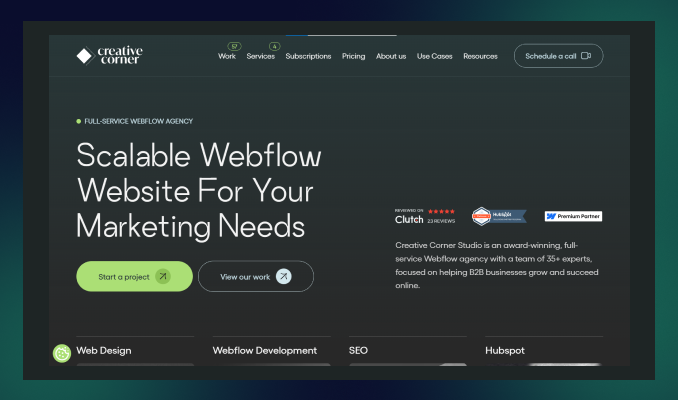
Location: Los Angeles, CA
Key services: UI & UX design strategy, Webflow Development, SEO, Branding.
Creative Corner Studio is a full-service Webflow agency that helps SaaS startups establish B2B businesses and grow their digital presence.
They are a team of 35+ Webflow experts, completing 120+ projects while delivering the most responsive and pixel-perfect websites.
Beyond exceptional Webflow development, Creative Corner Studio excels in branding, SEO, HubSpot integration, and platform redesign—offering all development solutions under one roof.
4. Perpetual
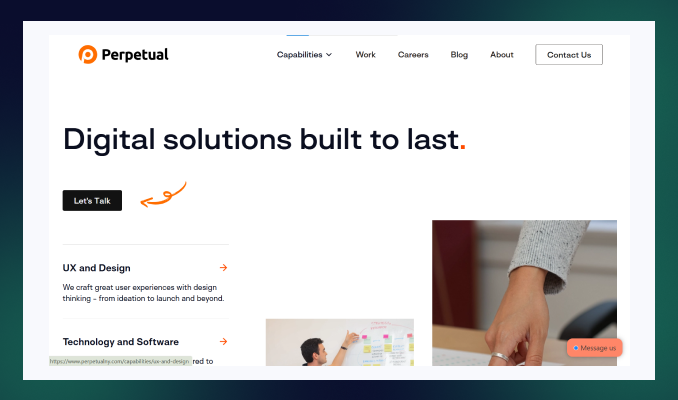
Location: New York, US
Key services: UI & UX development, Webflow Development, Custom Software development, Mobile App Development
Perpetual is well recognized for its innovative Webflow development service within technological solutions for 10 years.
Their unique approach leverages the latest cutting-edge technology to bring a new vision to the client's project.
More than a Webflow no-code development, they serve a fully digital solution through modern UX design strategy, custom software development, AI solutions, business consultation and many more.
Perpetual creates result-driven UI/UX design, branding and customer-facing website design, which forces renowned companies like Colgate, Reuters, and US Bank to select Perpetual from the crowd.
5. Finsweet
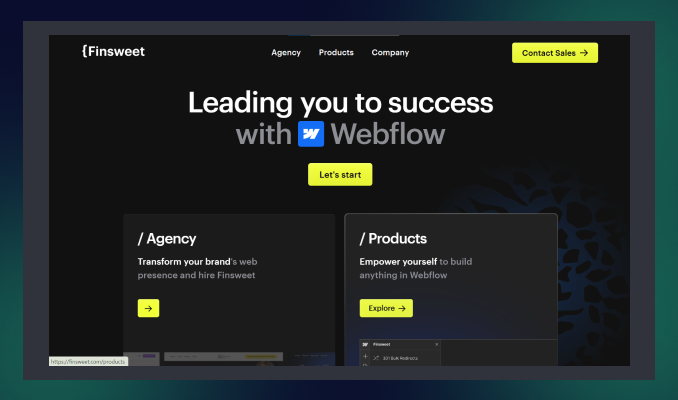
Location: New York, US
Key services: Web Apps, Webflow design, branding, SEO, API integration
Finsweet is one of the best Webflow development platforms, developing custom Webflow websites that are organized, scalable, and easy to manage.
They are an award-winning agency for their stunning community support, client-first product design, and custom functionality, where Webflow limits but Finsweet exceeds expectations.
Whether you are in a hurry to build a revenue-generating website without frustrating delays– Finsweet will be your perfect Webflow development partner!
6. Belt Creative
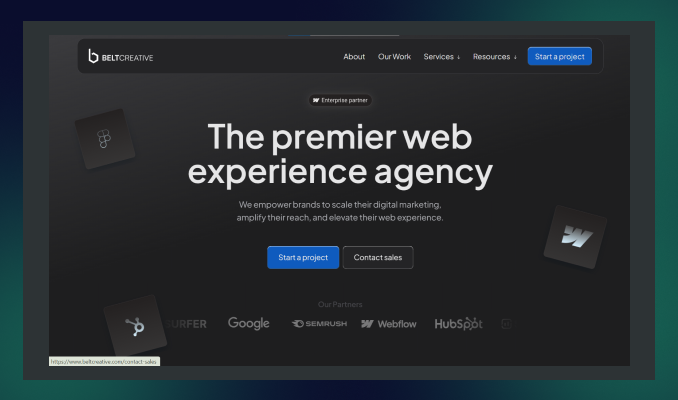
Location: Saint Petersburg, Florida
Key services: Webflow design and Development, SEO, PPC, Migration to Webflow.
Belt Creative is another top choice for developing, designing and optimizing Webflow websites that enhance your web experience to the next level.
Unlike other traditional agencies, Belt Creative provides end-to-end Webflow solutions from strategy consultation to post-launch support.
They have earned numerous awards, including Best Webflow Agency Partner, for their high-converting website, fast delivery, and ready-to-launch website for enterprise business.
7. SVZ

Location: San Francisco, California
Key services: Webflow development, UI/UX design, and branding.
SVZ is an expert Webflow development agency that creates stunning websites for enterprises with personalised brands and web strategies.
Their client-centric approach, profound research on business trends and competitor analysis, transforms a static Webflow site into a skyrocketing tool that will drive growth.
SVZ can be an excellent choice for businesses wanting to scale an enterprise or elevate their digital journey to excellence.
How to Find the Best Webflow Development Services in the USA?
Before narrowing down your choice list, consider some factors. Here are some things you need to look for while searching for a perfect Webflow website builder agency.
1. Expertise in Webflow
Searching for an experienced and dedicated Webflow-certified agency is crucial for a seamless development process.
Check whether they have senior front-end developers, especially Webflow development experts, on the team.
2. Asses their portfolio and case studies
Investigate previous projects and portfolios of Webflow design and development services. Then, note how the agency ensures visually appealing websites that convert and generate revenue.
Do they deliver a fully responsive and fastest-speed website?
3. Evaluate technical expertise
Always look for an agency that has technical expertise for Webflow CMS implementation, responsiveness, adding custom code( Javascript, CSS) and third-party integration!
4. Transparent communication and collaboration
Partnering with a Webflow development company that offers transparent communication and real-time feedback is essential.
5. Compare pricing and value
Be cautious of agencies offering low-cost service packages—many come with hidden fees that can surprise you later!
Instead, schedule a meeting with your shortlisted agencies and request a personalized quote. Compare the value each one offers, and choose the best fit for your needs.
Why Choose ideapeel as the Best Webflow Development Agency in the USA?
With so many options available, are you still unsure what Webflow agency fits your needs?
Well, considering Ideapeel as a reliable webflow partner, you won't regret it!
Here are the reasons why choosing us will be a profitable decision for your business:
1. Proven track record of 166+ Webflow website development
As the fastest growing agency, our top-notch service quality and webflow expertise help to build trust with our potential clients.
We help 70+ businesses transform their digital presence into profitable growth with dynamic and custom Webflow development.
2. Niche expertise across 15+ industries
Our industry expertise solution already made changes for converting static websites into an up-to-date industry-leading solution.
Our team has multi-industry experts who track the latest updates, trends, and challenges and ultimately deliver success-driven results.
ideapeel has proven industry expertise in SaaS, real estate, tech, and 12+ more.
3. Certified Webflow expert & front end developers
At ideapeel, we have a senior Webflow developer and designer with enough knowledge and expertise to bring your vision to life and create a strong brand identity.
Our front-end developers ensure top-notch user experience and user interface with advanced JavaScript skills. We implement the best Webflow interactions, animation, and agile design process to create a smooth user experience.
4. Unlimited Webflow development and revision
We are fully committed to giving unlimited revisions until you are satisfied. Subscribing to any package allows you to make development requests and revisions.
5. Transparent communication and real-time feedback loop
We prioritize a seamless development process within a real-time feedback loop. Our full-time team members are very responsive and dedicated.
Meanwhile, we utilize industry-leading project management tools like Asana and Jira to streamline workflow. Thus, you'll have an in-house Webflow team without any unclear projects or frustrated delays!
Our Premium Webflow Development Services:
Webflow Custom websites
Build a stunning, fully customized, responsive, and highly scalable website tailored to your business goals.
Webflow CMS development
Effortlessly manage and scale your content with custom Webflow CMS.
Webflow eCommerce solutions
Want to elevate your online e-commerce stores? We create fully functional online shops, integrating e-commerce tools that increase sales.
Webflow responsive design
Pixel-perfect design that ensures optimal and looks great on all device screens, including mobile devices, PC and tablets.
Webflow SEO optimization
Improve your online visibility with the best SEO practices to optimize your website for search engines.
Ready to elevate your Webflow journey with a dream website?
Contact ideapeel and experience the profitable growth you desire for.
[[last-cta]]
Even a single UI/UX design flaw can lead to high bounce rates and lost revenue. Choosing expert UI/UX design services & consulting is crucial.
But how do you know which service fits your business best? Researching expertise, experience, tech stack, and design processes can be overwhelming.
Don't worry—we've done the hard work for you! Here's a curated list of the top 8 UI/UX design services in the USA to help you make the right choice. Let's dive in.
List of Top 8 UI/UX Design Services & Consulting in the USA
1. ideapeel
Location: Atlanta, Georgia
Key services: UI/UX design, custom software development, web design, web development, SEO, and branding.
ideapeel is a renowned company for UI/UX design services, specializing in personalized, results-driven UI/UX design for high-performance mobile and web application interfaces.
Our approach focuses on high-fidelity prototyping, user testing, and user-friendly wireframing, ensuring seamless digital experiences.
Leveraging data-driven insights and the latest modern technologies, we research and refine user flows that improve clarity and boost conversion.
As a fast-growing agency, we've launched 70+ products, and redesigned products, websites, and SaaS interfaces that drive impactful ROI from month one.
Our agency is a one-stop solution for startups, enterprises, and small to midsize businesses, offering end-to-end UI/UX design, branding, and website development solutions—all under one roof.
What truly sets ideapeel apart? Our experts first schedule a consultation to provide:
- Simplified strategic approach
- Transparent cost breakdown
- A clear roadmap for success
Book a free 15-minute consultation and get a clear, impactful UI/UX design solution today.
[[inner-cta]]
2. Frog design
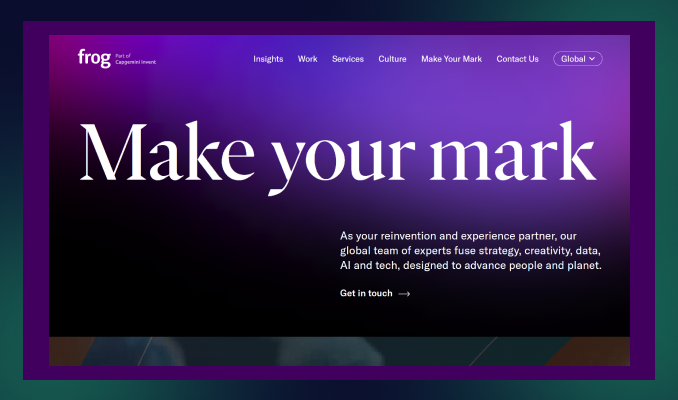
Location: San Francisco, California
Key services: Brand strategy, Product Design, Service Design, and customer experience design
Frog is the ultimate partner for remarkable user experience design, combined with tech, data, and AI technologies to connect planets and people.
Within the latest customer-driven approach to emerging UX technologies, Frog delivers an intuitive design that goes beyond customer expectations.Their technical expertise and end-to-end design services are the most multinational companies, and Unilever and IKEA partner with them.
Bonus: Navigate and find the best UI/UX design agency near Atlanta.
3. IDEO
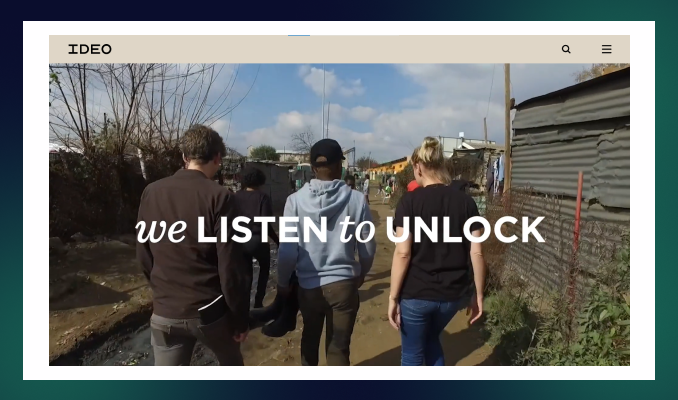
Location: San Francisco, California
Key services: UI/UX design, Product Design, Branding, UX consulting
IDEO is a leading UI UX design service because of its innovative ideas and human-centred design that build a long-lasting digital product and overall user experience.
They help most reputable brands like Acer, Ford, and H&M to get a comprehensive digital experience with a complete branding approach and business consultation.
IDEO has served many industries with its exceptional future strategy, quick prototyping, and restless usability testing, accelerating transformation into new heights.
At IDEO, you'll get unique strategic marketing solutions, user experience design, and web and app development services for a long-term business.
4. Cleveroad
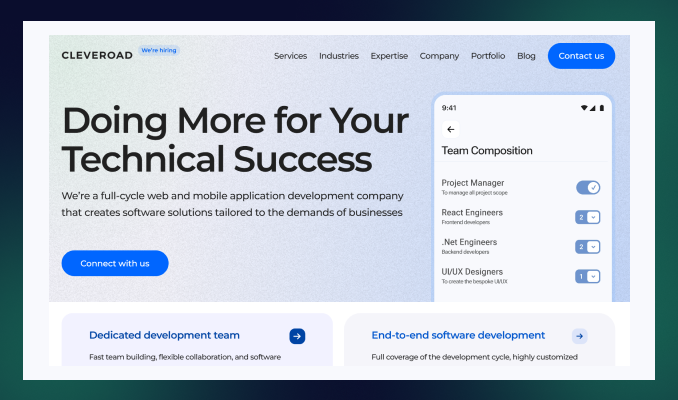
Location: Delaware, USA
Key services: Product design, branding, and information architecture.
Cleveroad is a UI UX front-end development company designing exceptional mobile and web products.
Their unique motto is to design digital products while ensuring responsiveness across all devices.
Another thing is that Cleveroad provides a time-tested user experience, user interface design, and post-launch support—which is what many design services lack!
5. Think Company
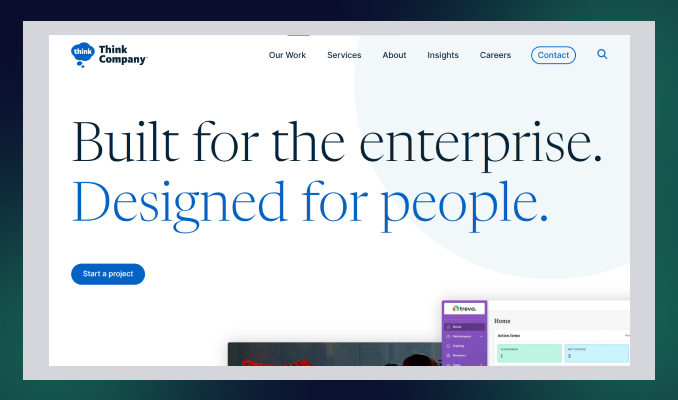
Location: Philadelphia, PA
Key services: UI and UX design, technology strategy and consulting, and accessibility and inclusion consulting.
Think Company is an ultimate UI UX design consulting service that provides world-class digital experiences for enterprise businesses.
Combining strategy, creation, and growth: Think Company excels in user research, redesigning existing final products, and creating digital concepts.
Even for complex industries such as finance, pharmaceuticals, telecommunications, and healthcare, their exceptional expertise gives them a new edge over competitors.
6. Intellectsoft
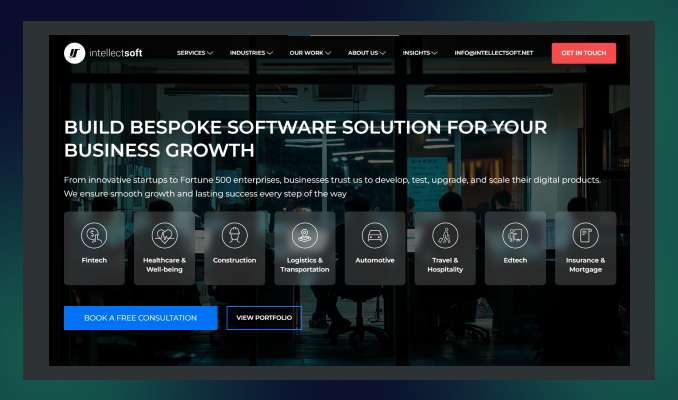
Location: New York, USA
Key services: UI/UX design and consulting, Mobile App development, Custom software development,
Intellectsoft is the best choice for UI & UX design services, specializing in potential software development solutions in today's AI technologies.
From simple mobile apps to cloud-based enterprise-level products, Intellectsoft excels in every complex product design with an innovative approach.
Their refined design process and seamless cross-platform utility accelerate revenue-generating web and mobile applications—no doubt.
7. Zazz
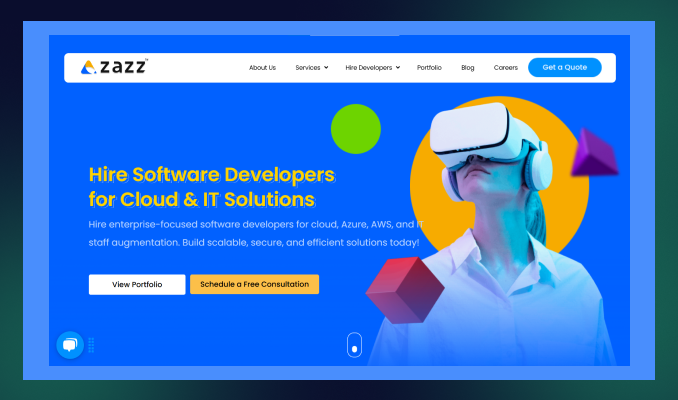
Location: Texas, USA
Key services: UI/UX development, information architecture, branding, and web development.
Zaaz is a leading UI/UX design service specializing in creating digital experiences within human psychology, user persona, and data-driven expertise.
Their high-fidelity prototype, cross-platform UX design, and brand-specific app solution reflect the dedication of the team Zaaz!
Within 14 years of experience, Zaaz earned an award-winning UI/UX design agency that released 763+ mobile apps successfully.
8. Designli

Location: Greenville, South Carolina
Key services: UX/UI design, mobile app development, cross-platform development.
The last UI/UX design services company on our list is Designli. This agency embraces new challenges by understanding development frustrations and providing the best possible solutions.
Designli has a full-time, dedicated product team and follows agile methodologies to bring transparent communication and faster delivery—which most agencies lack.
Designli specializes in in-depth user research, creating wireframes, responsive user experience design, and custom solutions to create a strong brand identity.
How to Find the Best UI/UX Design Service in the USA
See reviews and case studies
Check their expertise and experience within real customer reviews.
Identify how this service for designing user experiences solves the potential challenges and needs of the business.
Assess their portfolio
Track their previous projects and portfolios to investigate their design's visual appeal and usability.
Look for industry specialization
Industry expertise: The more crucial fact is before selecting the right design agency.
Partner with a UI/UX design agency with expertise in your industry-specific niche.
See their process and technical expertise
Check if they follow agile methodologies and robust design processes.
Do they conduct user research, prototyping, wireframing, UX audits, and user testability? Additionally, look for post-launch support and testing services.
Compare pricing and values.
Do not get caught in the trap of mouthwatering offers that may have hidden costs. Always go for a consultation first and then get a price transparency before handing over the project.
Why Choose ideapeel as the Best UI/UX Design Services & Consulting in the USA?
With thousands of options available, why should you choose ideapeel? Here's what sets us apart:
Proven records of completing 70+ projects
At ideapeel, we have helped over 70 business owners launch their products with the best user experience design and measurable, ROI-driven solutions.
Expertise across 15+ industries
We've worked with clients in diverse industries, including tech, SaaS, real estate, and 10+ more.
Our industry expertise solution helps us create the best UI/UX design that resonates with targeted audiences and maximizes engagement.
Custom UI/UX design services
Our dedicated team first schedules a free design consultation to understand your business goals and objectives.
Then, we provide a custom strategic approach that aligns with your brand identity and budget.
Robust design process and methodologies
We follow agile methodologies, a user-centric approach, and data-driven insights to ensure a seamless design process.
From user research to wireframing, prototyping, and user testability, our design team ensures that every step is optimized for performance and user satisfaction.
Technical proficiency
In the design process, we use industry-leading tools like Figma, Adobe XD, and Sketch, which are combined with front-end technologies.
Communication and Collaboration
We prioritize transparent communication and real-time feedback to eliminate any delay and frustration.
Therefore, we utilize tools like Asana, Trello, and Jira to streamline project management. So you can have real-time data on what's going on!
Comprehensive service offering
Besides UI/UX design services, ideapeel provides a wide range of services, including web development, SaaS development, branding, and SEO.
Partner with ideapeel and Get a Seamless UI/UX Design
Don’t let your user interface get stuck in heavy coding or overwhelming layouts without a clear, data-driven plan.
Share your project with us and watch your business grow.
Contact Us Today.
[[last-cta]]
Starting a brand is easy, but building a strong brand identity requires expertise—something a professional brand design agency can't be overlooked for.
The right branding agency creates a polished, memorable brand design with a compelling visual story that stays fresh and competitive. But how do you choose the right agency that delivers results and drives conversions?
To simplify your search, we list the 11 best branding agencies near Atlanta, USA, that can help grow your business locally and globally. Explore them now and find the perfect fit for your brand's success!
List of 11 Best Brand Design Agencies in Atlanta, USA
1. ideapeel
Location: Atlanta, GA
Service line: 100%
Key services: Logo Design, visual brand identity design, Packaging Design, web design, Brand message,
Notable clients: Gymstory, AlphaWave, CarWise.
ideapeel is an ultimate partner for Atlanta, USA-based branding solutions.
Unlike traditional branding services, ideapeel provides local and international businesses with end-to-end branding solutions.
From small to medium-sized businesses, we have a proven track record of building strong brand identities that resonate with target audiences and create lasting impressions.
We deliver tailored branding solutions for diverse industries, including SaaS, Tech, Real Estate, E-commerce, and more, by leveraging in-depth research on industry trends, market insights, and competitive analysis.
Our expert graphic designers and visual brand specialists ensure creative design, responsive communication and real-time feedback, making the branding process seamless.
About 70+ brands have trusted us to transform their identity. Our clients have seen an average revenue increase of 120% after working with us.
Want a brand that's not just visually appealing but also drives revenue?
Don't look further and lose your valuable time!
Just get a FREE 15-minute consultation and a personalized quote today!
2. Matchstic
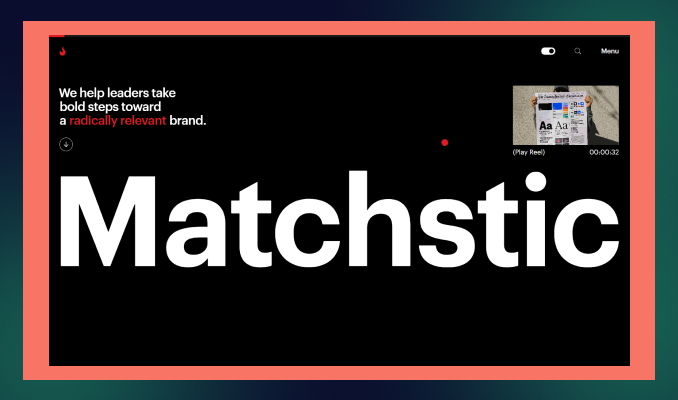
Location: Atlanta, GA
Service line: 80%
Key services: Brand Architecture, Brand Strategy, Visual Identity, Brand Messaging
Notable clients: The Atlanta Journal-Constitution, Rain Bird, Mailchimp
Matchstic is a leading design and branding agency in Atlanta and has served for 20+ years, helping growing brands to become radically relevant.
They are passionate about empowering nonprofit brands to reach globally while staying powerful. Matchstic has a fully remote team spanning 13 states to maintain collaboration, responsiveness and flexible branding projects.
Matchstic really shines by delivering harmony between brand identity and users' actions.
Their wide range of services reflects how the whole team thrilled clients with understanding their unique marketing opportunities, smart plan strategy and delivering terrific outputs.
3. Nueway Studios
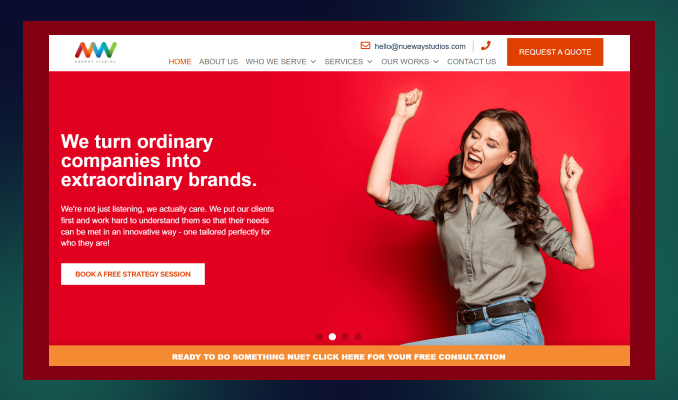
Location: Atlanta, Georgia
Service line: 55%
Key services: Brand Development, Graphic Design, Content Marketing
Industries served: Small to mid-sized businesses, Government, Nonprofit, and Corporations.
Notable clients: KeenLogic, Discoverlife, The Barcliff Group.
Nueway Studios is a one-stop branding and design agency that grows your Atlanta business through branding, storytelling and impactful campaigns.
Their custom strategic approach to the brand, combined with GPS data and OTT, and their CTV ad campaign maximizes reach locally and globally 49% faster than competitors.
Whether you want to create or revive an identity, Nueway will excel in managing brand solutions, implementing psychology, market trends, and industry expertise.
4. Media Frenzy Global

Location: Atlanta, GA
Service line: 30%
Key services: Brand Strategy, Brand Visualization, Brand narrative.
Notable clients: Stridyn, REV.IO, Rising Roll.
Media Frenzy is a brand strategy design agency that blends brand marketing more than building a brand identity.
We find it unique that they are scaling a brand with a powerful branding campaign, lead generation and analyst relations.
If you want to accelerate your Atlanta business through data-driven and AI strategies and keep earning through ROI, you can partner with the Frenzy team!
5. Spring Studio
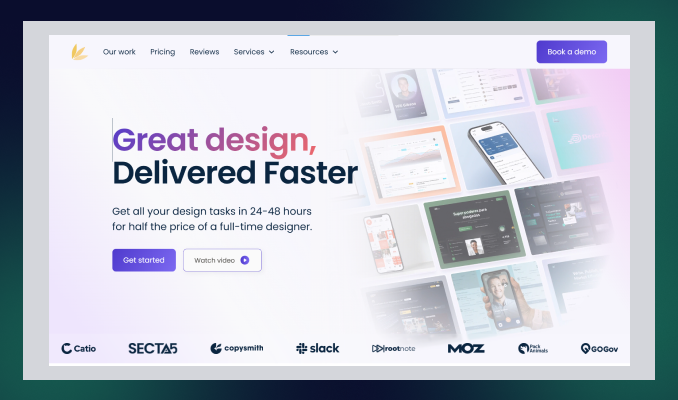
Location: Atlanta, GA
Service line: 20%
Key services: Graphic Design, Brand Design, Logo Design, Website Graphics, Social media Graphics.
Notable clients: Twine, Slack, Viral Launch
Spring Studio is the ultimate brand & design agency, helping entrepreneurs to lead in the digital landscape while building a strong brand identity.
Their main motto is to deliver fast and reliable design– all branding designs your business needs to grow faster.
From logo to web design, they are committed to bringing a complete branding solution to what a startup is searching for!
Spring Studio has worked in various industries, such as e-commerce, startup, tech, and real estate.
Their project management tactics, real-time feedback, and affordable branding solutions are why you should go with Spring Studio.
6. Soar Media
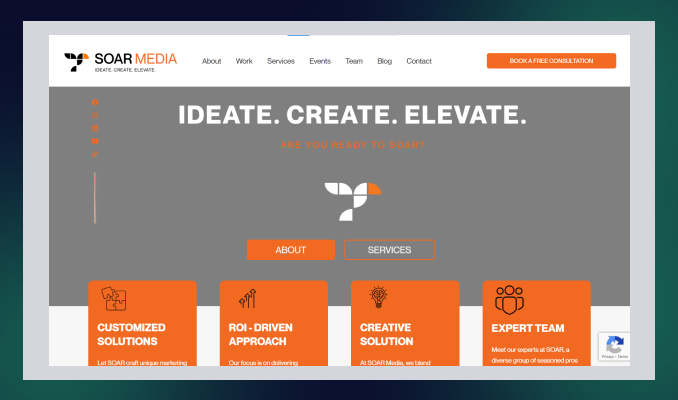
Location: Atlanta, GA
Service line: 30%
Key services: Brand Development and Rebranding, Logo Design, Brand Style Guides, and Packaging Design.
Notable clients: Abstrax, Ganek PC, Infamous USA.
Another Atlanta-based branding and packaging design agency is in your next! Soar Media provides a brand narrative with a transparent approach that resonates with target audiences.
Soar Media is a full-service marketing and advertising agency that creates a brand identity with data-driven digital solutions. So, you don't need to look behind to invest in another service.
While boosting the business's online presence is their concern, Soar Media takes challenges in creating a strong brand identity within a tight budget and schedule.
7. STOUT Creative
Location: Atlanta, GA
Service line: 50%
Key services: Branding, Content Marketing, Email Marketing.
Notable clients: Peco Food, Solar CrowdSource, History Associate.
STOUT Creative is an Atlanta-based digital marketing agency for top regional and national brands.
This creative agency specializes in branding positioning services that help brands forefront the industry through agile marketing methodologies and automation tools.
If you are looking for a B2B branding agency for your business with tight budgets and demanding deadlines, STOUT is a good option to partner with!
8. Top Right
Location: Atlanta, GA
Service line: 60%
Key services: Brand Strategy, Brand Storytelling, Brand Campaign
Notable clients: Alcoa, Microsoft, Delta Airlines
Seeking for more than a static brand design to elevate a dynamic experience? Top right is here the best brand experience design agency to hire!
Unlike traditional branding companies, Top Right's ambition is to leverage transformative growth within the right brand consultancy, brand strategies and storytelling.
With its complete branding efforts, Top Right also serves customer experience, employee experience, and monitoring services to transform your brand into a masterpiece.
9. Sky Castle Production
Location: Atlanta, GA
Service line: 30%
Key services: Logo Design, Brand building, Graphic Design, Website design
Notable clients: Home Depot, Georgia Institute of Technology, Illuminations Inc.
Sky Castle Production can be the game changer for your Atlanta business.
They have 13+ years of experience in web and brand design and a deep understanding of the local market and its dynamics.
Sky Castle works hard to simplify brand identity through creative graphics, logos, and typography. Also, they implement stunning visual and strategic marketing through video and photography for brand channels.
From small to medium-sized businesses, they serve all potential leaders, entrepreneurs, and startups and have an impactful brand that drives results.
10. The Rare Form
Location: Atlanta, GA
Service line: 30%
Key services: Brand identity, logo design, Package design.
Notable clients: True Botanicals, Jack Black, EVOLVh hair care.
You have a fresh and strong brand ready to launch within 2 weeks! That's not my words! The Rare Form is committed to enhancing brand recognition with a compelling brand design service.
So, what differentiates them from other agencies?
The Rare Form focuses more on brand-building strategies, from understanding the mission, personas, trends, and cultures to giving you the maximum output for a comprehensive brand identity aligned with branding goals.
They specialize in brand identity, rebranding, packaging, logos, style guides, and product design.
11. The 95 Agency

Location: Atlanta, Georgia
Service line: 40%
Key services: Graphic design, Packaging Design, Product Design.
Notable clients: Heaven Treasure, Cascade Skating, Broner Boss.
The 95 Agency is a recognised brand and marketing agency in Georgia that successfully launched 350+ brands in 2015.
95 agency is a great partner for brand development, digital marketing, content creation, and high-impact brand activations.
They take every branding project as a challenge to make it far better than the previous– their creativity exceeds expectations.
Get the Best Local brand identity expert in Atlanta, Georgia
Selecting a branding agency near you is crucial for a seamless experience—free from time zone differences or communication gaps.
With so many options, are you tired of searching "Branding services near me?"
Stop wasting time searching—your competitors get a head start every day you delay.
ideapeel provides top-tier branding solutions that set you up for the long-term success of your brand in today's competitive market.
Frequently Asked Questions:
What does a brand design agency do?
Brand design agency excel in building brand identity through visual design: graphics, storytelling and strategic planning. Branding agencies offer a ready-to-launch brand that ensures a compelling presence in the market.
How much does it cost to hire a branding agency?
It may vary depending on the branding agency's expertise, project framework, and the service they offer. On average, you may have to invest $100-$200 per hour to hire an expert brand agency.
Are branding agencies worth it?
Branding agencies help create a consistent brand that resonates with your audience and drives long-term growth. Investing in one can significantly enhance your business's success.
%20%5B%20Top%2011%20Agencies%20list%20%5D%20thumbnail.png)
Whether you're a startup or an established company, selecting the right UI/UX design agency is crucial to making your digital product or web application stand out in a competitive market.
But how can you ensure your UI/UX investment drives impactful results?
That's why we've created this powerful guide featuring Atlanta's top 11 UI/UX design agencies—helping you find a trusted, local partner for a seamless, hassle-free digital solution.
List of Top 11 UI/UX Design Agencies near Atlanta, Georgia
1. ideapeel

Location: Atlanta, Georgia
Service line: 100%
Notable clients: AlphaWave, Tech Horizon, Brightcore
ideapeel is an expert UI/UX design agency in Atlanta, committed to building a strong brand identity through result-driven design.
From startup to enterprise – ideapeel offers cost-effective solutions to maximize ROI and improve conversion rates for businesses of all sizes.
Mainly, ideapeel delivers complete digital transformation through impactful UI and UX design through interactive prototypes and high-fidelity wireframes.
They helped 70+ businesses through visually striking interfaces through modern technology and agile design methodologies.
Check out ideapeel's portfolio to learn how we create user-centered designs that resonate with Atlanta audiences.
2. Designli

Location: Greenville, South Carolina
Service line: 20%
Notable clients: The Bank of London, SouthernFirst, and Michelin.
Designli serves exceptional UI/UX design in Atlanta, bridging the gap between business and tech needs.
It is a tech product design company that delivers robust user experience design that builds a strong brand identity.
Designli offers an affordable, consumer-facing app or enterprise software prepared for launch.
Explore the difference between UI and UX design and invest smartly in the agency.
3. Momentum Design Lab

Location: New York, US
Service line: 80%
Notable clients: Facebook, Walmart, Orange.
Momentum Design Lab is the USA's leading UI/UX design agency, creating human-centric experiences leveraging data-driven AI.
They are the No. 1 rated UI/UX design agency globally on Clutch from 2016-25 due to future-proof design within emerging technology AI, ML, IOT, AR, and VR to maximize ROI.
Momentum Design Lab serves the global startup to enterprise, maximizes, and earns thousands of reviews for their industry-specific solution, seamless product engineering, and on-time delivery.
4.AppZoro Technologies

Location: Atlanta, Georgia
Service line: 10%
Notable clients: Convoy, Spa Space, Medcraze
AppZoro is recognized as an Atlanta UX agency that has designed and launched 200+ products.
Their robust user-centric design and latest design elements enable businesses to improve conversion rates and customer loyalty.
AppZoro has a unique service approach—end-to-end UI/UX design with practicing agile front-end development solutions that leave less room for further improvement.
5.Goji labs

Location: Los Angeles, CA
Service line: 40%
Notable clients: World Health Organization (WHO), Prediction Strike, Root Insurance
Goji Labs helps startups, corporates, and nonprofits leverage business through impactful product design strategy and UX/UI design.
They mastered user-centric design within real-world challenges that successfully accelerated the launch of 400+ products.
Goji Labs earned awards for America's fastest-growing private companies (Inc. 500), Most Reviewed UX Company 2024 (Manifest), and 5-Star Agency (Design Rush).
Their fully remote design team ensures end-to-end design services and reaches globally.
6. Max Media

Location: Atlanta, Georgia
Service line: 20%
Notable clients: AT&T, Home Depot, Weather.com.
Max Media is an Atlanta-based experience UI/UX design agency implementing technology-advanced interactive design and ensuring responsiveness across all devices.
Max Media sets them apart from competitors with its brand strategy and storytelling approach that builds a strong brand identity.
Well, Max Media delivers end-to-end solutions that integrate design and marketing insights.
7. Single Mind

Location: Oregon, US
Service line: 20%
Notable clients: Powell's Book, Pigeon Medical, Life Score.
Single Mind is an award-winning product design and development agency that delivers premium UI/UX design with a blend of AI and technology.
With 19+ years of experience, Single Mind crafts intuitive experiences, prioritizing simple but efficient designs that leave a memorable user journey to come back again.
They have designed and developed 150+ products and earned reviews for an accelerated, smooth launch.
8. Spring Studio

Location: Atlanta, Georgia
Service line: 40%
Notable clients: Copy Smith, Slack, Catio
Spring Studio is a startup UI/UX design agency, that specializes in delivering dynamic and modern design for businesses to grow and stand out.
Their creative approach is built on detailed user research and a commitment to providing interactive design trends.
Spring Studios mainly serves mobile app and software development, maintaining the latest technology and design methodologies.
9.IfThen

Location: Atlanta, Georgia
Service line: 20%
Notable clients: Mercer, WATG, National Geographic
IfThen is a leading UX design agency in Atlanta that has partnered with the popular TV channel National Geographic for a long time.
IfThen committed to delivering interactive prototypes according to user persona, bringing success to the brand or business.
They know complementary product development and design strategies through responsive web design, interactive prototyping, and multiple platform wireframing.
10. Sagepath Reply

Location: Atlanta, Georgia
Service line: 30%
Notable clients: Georgia Pacific, Krispy Kreme, MarineMax.
Sagepath is the ultimate digital marketing agency, that specializes in building seamless customer experiences through branding, website design, and web development.
Within a creative team of UX designers, writers, and strategists, Sagepath takes the challenges of growing a startup business at a lower upfront cost and immediately launching it to the market.
11. Right Point

Location: Chicago, IL
Service line: 10%
Notable clients: SeaWorld, Outrigger, Boston Dynamics.
Right Point specializes in UX/UI design, implementing three core steps—innovation, strategic design, and robust engineering—to elevate product engineering to the whole customer experience.
Their mission to maximize measurable ROI has benefited hundreds of businesses through a data-driven user experience strategy.
Why choose ideapeel as a trusted UI/UX design agency in Atlanta, Georgia
Don't know how to transform your ideas into revenue-generating innovations? We're here to collaborate and turn your mission into a vision!
Here's a practical reason why you should rely on ideapeel:
- Deep knowledge of the Atlanta market, regional trends, and consumer behaviour.
- Proven track record of successfully bringing measurable ROI up to 120% and increasing conversion rate by approximately 85%
- Deliver a strategic approach and streamline the design process within data-driven methodologies.
- Focus on user-centric design that meets your business goal.
- Provide interface design solutions within industry-specific challenges to stand out your business from the crowd.
- Full-cycle UI/UX design solution on an affordable budget.
Frequently Asked Question
Which company is best for UI/UX designer?
Here's a top 5 company, best for UI/UX designers in the USA
- ideapeel
- Designli
- Momentum Design Lab
- AppZoro Technologies
- Goji labs
How to choose UI/UX design agency?
Choose a UI/UX design agency by reviewing their portfolio, awards, and certifications. Then, identify their research methods, design phase, tools, and tack stacks. Finally, ensure they are located near your area and provide transparent communication.
How much do UX agencies charge?
Depending on experience, project times, and deliveries, UX agencies can charge differently. Well, UX Atlanta agencies charge $100-$300 per hour.
Conclusion
We've covered the 11 best UI/UX agencies in Atlanta, and by now, you may have shortlisted your top choices. Still unsure?
No worries—take your time!
Before deciding, list the pros, cons, your specific needs, and budget to determine which agency will deliver the best results.
You won't regret choosing ideapeel as your trusted UI/UX design partner!
At ideapeel, we specialize in tailored, user-centric digital web design solutions that drive business growth. Contact us today if you're ready to elevate your brand with innovative design and seamless user experiences!

Atlanta is a thriving hub of innovation and entrepreneurship. Local businesses in Atlanta are rapidly adopting SaaS solutions to drive digital transformation.
Are you looking for scalable software as a service that streamlines workflows, enhances customer experience, boosts revenue, and keeps you ahead of local competitors?
Look no further!
In this guide, we'll explain everything you need to know about SaaS development, including its benefits and challenges, and how to achieve the best outcomes by choosing the right SaaS development partner.
What is SaaS development?
SaaS development is the process of building cloud-based software that is accessible via the Internet. SaaS applications mainly operate on a subscription-based model, which enables businesses to leverage advanced technology without extra upfront costs.
Unlike traditional software, you don't need to invest a high cost in resources, deployment, and further device installation.
Explore more Saas vs. custom software development.
Common Challenges You May Face in SaaS Development and How to Overcome Them

Due to the complexity of the SaaS development process, there are so many challenges you may face during development or even in the future.
What are they? Check out the reason and solution to overcome those challenges efficiently.
1. Scalability issues
As your business grows, you may face difficulties scaling operations, infrastructure, and customer support.
Solutions: Invest in scalable cloud infrastructure and automation processes to ensure smooth performance under heavy load.
2. Security Concern
Protecting sensitive customer data and ensuring security across multiple tenants is a significant challenge SaaS businesses face.
Solutions: Implement robust security patches like encryption, access control, and identifying vulnerabilities.
3. Vendor lock-in
Migrating from one cloud service provider to another is a matter of huge cost and complexity.
Solutions: Relying on a single cloud service can hinder future growth. Therefore, adopting a hybrid cloud infrastructure is a smart decision.
4. Cost management
Due to over-provisioning and insufficient resources, getting a reliable SaaS product without extra cost is challenging.
Solution: Implementing a cost-effective strategy and using cost management tools will prevent extra expenses.
5. Ongoing maintenance and updates
Managing regular updates and maintenance to ensure compatibility with the latest technology and industry demands.
Solution: Hiring full-cycle SaaS application development services can benefit you through long-term collaboration. As they offer ongoing support and maintenance for technological advancement.
Why Choosing the Right SaaS Development Service Matters?

Selecting a SaaS development provider is a core step to ensure you are going to launch or improve your SaaS application that drives impactful results. Let's dive into more details-
Expertise and technical knowledge
SaaS trends constantly evolve, with emerging technologies like AI, low-code development, and serverless computing reshaping the landscape.
A skilled SaaS development service provider ensures applications are built using agile best practices, cutting-edge methodologies, and scalable cloud architecture to meet those modern demands.
Customization and business fit
Choosing the right SaaS solution provider is crucial to staying ahead of competitors. As a SaaS development service, it offers tailor-made solutions to specific business needs and requirements.
Security and Compliance
SaaS application development services handle all sensitive business and customer data across multi-tenants in a SaaS application. You may not risk overlaying important data on an unreliable source.
A trusted SaaS development company will implement strong security measures such as encryption and multi-factor authentication to ensure compliance aligning with industry standards.
Niche expertise
SaaS software development services offer multiple industry-specific SaaS products or applications. They have worked with diverse clients and have experience in developing desired SaaS based on the industry's unique requirements, regulations, and frameworks.
Seamless integration with existing system
Integrating new SaaS applications with legacy systems and third-party services is challenging.
SaaS development companies have enough knowledge to ensure the SaaS product works effectively with the current infrastructure.
Cost-effectiveness and ROI
A reliable SaaS application development service minimizes costs by preventing upfront infrastructure costs and long-term operational expenses.
They leverage pre-built modules, frameworks, and APIs to speed up development. The reliable SaaS consultant also delivers scalable cloud architecture that prevents unnecessary costs.
Faster Time-to-market
Professional SaaS product development services speed up the time to market as they have the necessary tech stacks, streamlined workflow processes, industry knowledge, and efficient development cycles.
So they avoid common mistakes, resolve technical issues, and adapt updated features more efficiently.
As a result, you can get a superfast SaaS application that can launch immediately and earn revenue from the early stage in the market.
How to Find the Best SaaS Companies in Atlanta, Georgia

You may feel the importance of hiring the trusted SaaS product development services near you at this stage! But how do you know which one fits your needs?
Here are some factors to consider while searching for the best SaaS software development services!
1. Search business directories and review platforms
You can find top-rated and verified SaaS development companies with client reviews in trusted directories—Clutch.co and GoodFirms.
Here, you'll see the outline of their key services, client reviews, and a short overview of the company.
2. Analyze the portfolio and case studies
You can search in Google for the top SaaS software development services websites. Create a checklist before analyzing the website, such as:
- Check out previous SaaS projects they've developed.
- Read previous client's reviews and find out how they solve the addressing problem.
- Check out industry expertise and case studies.
- Identify their project management tools and other technology. (AWS, Webflow, React, Node.js)
3. Evaluate their technical expertise
Don't ignore their technical knowledge and the various methodologies they follow during the SaaS development process:
- Cloud-based solution
- API integration
- Scalable architecture
- Security and compliance measures.
4. Consider local presence and support
The best way to select a SaaS consultant near your location is to ensure faster communication within the same time zone.
Having a local partner allows for face-to-face meetings, making discussing requirements, complexities, and challenges easier for better understanding.
Working with a local SaaS development company in Atlanta ensures streamlined collaboration and more personalized support.
5. Seek for recommendations
Another secret way to get the SaaS development partner is by seeking recommendations from family, friends, relatives, or business colleagues, as you won't have further doubt about the qualified service or surprising cost.
Why Choose ideapeel for SaaS Development Service in Atlanta, Georgia?

With so many options in your hand, why do you put trust in our service?
Here's a quick overview of proven tactics we're following to provide a successful SaaS project.
1. Proven record of developing successful SaaS product
We have helped 70+ businesses develop future-proof SaaS products, websites, and mobile apps that are highly scalable, efficient, and up-to-date.
2. Expertise in Custom software solution
At ideapeel, our certified team specializes in custom software development tailored to industry-specific needs. We deliver a bespoke and cloud-based custom SaaS application for all business sizes.
3. End-to-End SaaS development
From concept to deployment. We handle everything to ensure long-term success.
Our multi-tenant team provides full-cycle SaaS application development services.
– design, web development, app development, testing, post-launch support, updates, and maintenance.
4. Local Atlanta-based support
We understand the unique challenges and opportunities in the Atlanta market. Our local service allows you to deal with face-to-face meetings, faster communication, and hands-on service.
5. Scalable SaaS platform
Our industry experts focus on specific business requirements and provide scalable SaaS platforms that run for long-term success, such as
- B2B SaaS (CRM, Project management)
- B2C SaaS (Subscription platforms, marketplaces)
- Startup SaaS (Scalable MVPs)
- Niche SaaS (Real estate, FinTech, e-commerce)
6. Cost-effective solutions
Whether you want to launch a SaaS application or improve the existing one, we offer cost-effective models and strategies to cut off extra expenses. We provide transparent pricing and flexible models, allowing budget-friendly yet high-quality deployment.
Wrapping Up
Don't invest in a poor SaaS development service with mouthwatering advertising!
Choosing the right SaaS development company is crucial to leverage business. So, be wise when selecting a SaaS consultant for your local business.
At ideapeel, we bring a deep understanding of Atlanta's market, advanced technologies, the latest updates, and a commitment to excellence in every SaaS project we deliver.
Ready to skyrocket your business with a powerful SaaS product?
Partner with ideapeel today, and let's grow together.

%20thumbnail%20(4)%20(2).jpg)
Did you know that only 9% of Google searches reach the bottom of the first page? If you're not investing in SEO, you're missing out!
Hiring an SEO agency isn't enough! You need a long-term SEO partnership to stay ahead of Google's ever-changing algorithms.
But with thousands of agencies claiming to be the best, how do you choose the right one?
No worries—we've researched for you! Here's a list of Atlanta's top 10 SEO companies, highlighting their strengths, unique strategies, awards, and certifications to help you find the perfect fit for your business.
List of 10 SEO Companies in Altana, Georgia
1. ideapeel
Location: Atlanta, Georgia
Key services: Local SEO, On-Page SEO, Technical SEO, SEO Content Writing, Off-Page SEO, Market Research, E-commerce SEO.
ideapeel is an Atlanta SEO agency helping 100+ businesses generate revenue by driving traffic and improving conversion rates.
ideapeel provides full-funnel website digital solutions through web design and development, branding, SEO, and maintenance for all business sizes, from startup to enterprise.
With multi-industry expertise, they are committed to fulfilling clients' goals with a custom SEO strategic approach.
When you struggle to get potential leads in local search—Atlanta or want to reach globally—you can consider ideapeel as your website's digital partner!
Get a free SEO audit report today.
2.M16 Marketing

Location: Atlanta, Georgia
Key services: Local SEO, On-page SEO, AI SEO, Off-page SEO.
M16 Marketing is an award-winning digital marketing and SEO agency that has served over 800+ clients with top-notch SEO services.
M16s's local and worldwide SEO service is based on a data-driven strategy with cutting-edge AI technologies to help convert websites to lead magnets that accelerate traffic and drive more revenue.
M16 Marketing started as an Atlanta SEO company but expanded its services to Dallas, Houston, and Phoenix.
3. Delante

Location: New York, US.
Key services: SEO, SEM, Copywriting, Link Building.
Delante delivers exceptional Search engine optimization solutions tailored to business needs.
Their clients are fully satisfied with superior tailored strategy, on-page SEO, link building, and content creation services.
With extensive experience in 25+ countries serving 30+ industries, Delante exceeds customer expectations by significantly improving website traffic, search engine ranking, and online visibility.
4. Caffeine Marketing

Location: Sandy Springs, Georgia
Key services: Landing page SEO, copywriting, and Google Ads management.
Caffeine Marketing is a B2B SEO agency that offers SEO services that contribute to increasing conversion rates and overall marketing growth.
They are a renowned SEO agency for midsize tech startups or enterprise businesses.
Caffeine marketing has earned clients appreciation for their innovative ideas, transparent communication, and a clear commitment to achieving marketing success.
5. Intero Digital

Location: Colorado Springs, Co
Key services: E-commerce SEO, Local SEO, Content Writing, Link Building.
Intero Digital gained popularity among clients for its unique SEO practices that are suitable for e-commerce and enterprise businesses.
Their secret weapon, InteroBOT, is an exceptional tool for successfully forecasting search results, similar to search engines.
These Skyrocket tools ensured Intero Digital a 510% first-page ranking in the first six months.
6. Victorious

Location: San Francisco, California
Key services: On-page SEO, Off-page SEO, Technical SEO, Multi-Location SEO
Victorious, the top SEO company, has earned over 183+ awards and serves the top 600+ brands like Spotify, Yahoo, and Bissell.
Undoubtedly, Victorious is the leading SEO specialist for its high conversion traffic and long-term ROI implementation strategy, with a proven record of up to 200%.
Their multi-industry expertise and wide range of SEO services ensure top-tier solutions for specific business needs.
7. Straight North

Location: Downers Grove, IL.
Key services: Keyword research, Local SEO, E-Commerce SEO, Enterprise SEO.
Straight North is another top Atlanta SEO agency that has 20+ years of experience driving success through effective SEO tactics.
They are a team of 100+ who work closely with clients and bring success with high-quality backlink building, effective copywriting, and an on-page SEO optimization strategy.
8. Firestarter SEO

Location: Centennial, CO.
Key services: Keyword research, on-site SEO, local SEO, and content creation.
Firestarter SEO contributes to increasing organic traffic and conversion rate with three areas of focus- Technical SEO, On-page SEO, and link building.
They follow a robust and aggressive SEO framework to drive high organic traffic with relevant keywords.
Since 2009, Firestarter SEO has tried to maintain consistent success with 95% customer satisfaction through SEO service and PPC campaigns.
9. Taktical

Location: New York, US.
Key services: Keyword research, branding, Content Marketing.
Taktical is a top Atlanta SEO company providing up-to-date SEO strategies for algorithm changes.
Taktical knows clients' frustration about not getting desired traffic and losing website ranking!
So, they provide organic SEO strategy through keyword research, technical site optimization, performance PR, content creation optimization, and bespoke reporting.
Taktical covers various industries like SaaS, Tech, Shopify, B2B, and e-commerce.
10. Smart Sites

Location: Paramus, NJ
Key services: Technical SEO, SEO Copywriting, and link building.
Smart Sites is a top-rated US-based full digital marketing agency within SEO service and PPC marketing.
They provide transparent projects and impactful, data-driven search engine optimization strategies to maximize online visibility and drive revenue.
Smart Sites can be a full-packed SEO consulting service for SEO campaigns, responsive website design, and digital marketing strategies.
How To Find the Best SEO Agencies Near Atlanta, Georgia?
Are you struggling to find the Atlanta SEO services in Atlanta, Georgia? Take a look at some key factors for choosing the reputable SEO agency for your business success:
Expertise in SEO:
First, look for highly experienced SEO companies in Atlanta who follow up-to-date SEO strategies aligned with frequent algorithm changes. Check out their SEO team members' certifications and further skills to benefit you.
Reviews and testimonials:
The best way to find a reliable SEO partner is to inquire about their previous client's reviews and case studies. See how they help businesses to succeed in improving traffic or SEO rankings.
This will clarify that the agency perfectly fits your business needs.
Transparent communication:
Always consider whether a service offers transparent communication and real-time feedback.
Customize SEO strategy:
Avoid depending on a universally applicable solution. You should seek a custom SEO solution that is specifically planned and continues with your business needs.
Why should you hire ideapeel as the best agency for SEO near Atlanta, USA?
Here's a practical reason to choose ideapeel for turning websites into revenue-generating tools:
- We helped 70+ businesses boost conversions to 85% and maximize ROI to 120%.
- Our up-to-date SEO strategy helps you to stay ahead of competitors even with frequent search engine algorithm changes.
- Our SEO expert provides a free audit and a custom strategic approach tailored to your business.
- We ensure real-time feedback to get the best result for your business goals.
- Our cost-effective SEO plans are suitable for any size of business.
Final Words
We've provided you with the best insights into each SEO agency. Now, it's your turn to hire the team that transforms your Tirtiles website into a high-speed success!
Still confused?
Then, you can trust a reliable SEO partner, ideapeel, to build a skyrocket website through future-proof SEO tactics.