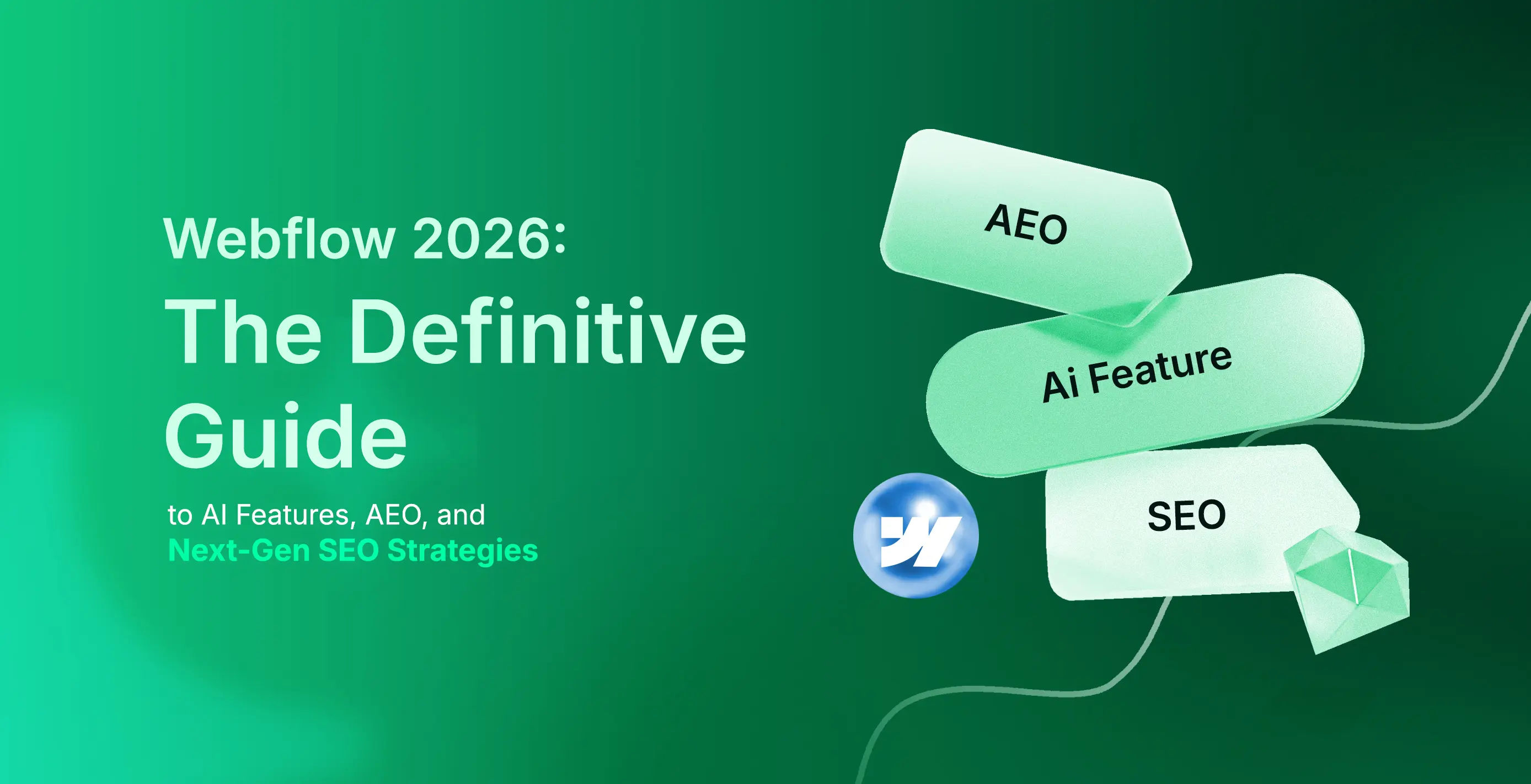
AI Website Builders vs. a Real Webflow Build: What You Actually Get in 2026


Summarize with Ai





Key Takeaways
- Compare AI website builders and Webflow.
- Know when to choose an AI builder.
- Learn why businesses choose Webflow.
- Compare SEO and search performance.
- Understand AEO and AI search readiness.
- Explore Webflow CMS vs AI workflows.
- Compare maintenance and scalability.
- Understand long-term costs and value.
AI website builders are faster to launch. Webflow is faster to run. AI wins the first version; Webflow wins every version after it. The right choice depends on who updates your site next month, a marketer or a developer, more than any feature comparison.
That single question decides more of these projects than any pricing page or feature list. Here's the full breakdown, so you can answer it for your own team.
What AI Website Builders Actually Do
AI website builders generate a working website from a prompt or a short brief. Tools like Claude, Lovable, Cursor, v0, and Bolt.new can produce a real, deployable codebase in minutes. Consumer-facing tools like Wix ADI, Framer AI, and Squarespace AI generate a site inside their own platform using the same idea: describe the business, get a layout.
They're genuinely good at a specific set of jobs: a landing page to validate an idea, an internal tool prototype, a portfolio, a placeholder site while a product or funding round comes together. For those cases, shipping something in under an hour beats a multi-week build every time.
The category struggles once a site has to do more than exist, once it has to convert, scale, and get updated constantly by people who don't write code.
What a Real Webflow Build Includes
A custom Webflow build is a different kind of deliverable. It bundles design, hosting, a native CMS, and forms into one platform, built visually rather than generated from a prompt. The output is production-grade code your team can actually maintain: clean HTML, exposed SEO fields, and a component system a marketer can edit without touching a line of it.
The distinction that matters here isn't "AI vs. no AI." Most serious Webflow teams (ours included) use AI heavily too, for wireframing, for content, for component generation that gets imported into the platform. The distinction is whether the site ends up as generated output or as an owned, editable system.
AI Website Builders vs. Webflow: Feature-by-Feature Comparison
Design Quality & Brand Differentiation

AI builders pull from the same training data every other user's prompt draws from. They've seen the same hero sections, the same pricing layouts, the same testimonial carousels, so the output is competent but rarely distinctive.
Two competitors using the same tool with a similar prompt can end up with sites that look like siblings. For a company trying to signal credibility to a discerning buyer, that's not just an aesthetic problem. Buyers notice templated design, and they conclude the business behind it.
A custom Webflow build starts from brand and positioning rather than a template library, so nothing on the page is borrowed from a pattern thousands of other sites are also using.[[inner-cta]]
The best comparison key points between AI Website Builder vs Webflow builder
1. SEO Performance & Technical Foundation

Are AI website builders SEO friendly?
They can be, but inconsistently, and it depends heavily on the specific tool and how much technical control you take. SEO isn't just keywords; it's site architecture, semantic HTML, Core Web Vitals, schema markup, internal linking, and crawlability.
AI-coded sites built with tools like Claude, Cursor, or v0 and hosted on Vercel can actually reach the highest technical ceiling available, because you control the raw HTML, meta tags, and structured data directly. Consumer AI builders sit at the other end. They frequently ship bloated code, weak heading hierarchy, and slower load times baked into the platform itself.
Webflow sits in between by default and pushes toward the strong end without requiring a developer: titles, meta descriptions, alt text, redirects, sitemaps, and schema are all exposed and editable by a non-technical team.
The honest takeaway: both approaches can rank well. For most businesses, content quality and site structure decide rankings more than the platform does, but the platform decides how easily your team can act on that.
2. AEO & Answer Engine Readiness: The Comparison Nobody Else Is Running

This is the part most comparisons skip entirely, and it's quickly becoming the more important one. Ranking on Google is no longer the only goal. Increasingly, the site needs to be structured so ChatGPT, Gemini, Perplexity, and AI Overviews can extract and cite it directly.
That readiness comes down to three things: clean structured data (schema markup), self-contained answer-first content blocks, and semantic HTML that an AI crawler can parse without guessing at hierarchy.
Consumer AI builders generally lose here. They optimize for visual output, not markup quality, so schema is often missing or generic, and heading structure gets flattened for design reasons. AI-coded builds can reach full AEO readiness, but only if a developer deliberately implements it; it isn't automatic. Webflow is the one platform of the three that exposes FAQ schema, Article schema, and clean semantic tags natively,
which means a non-technical content team can build AEO-ready pages without waiting on engineering for every markup change. If AI search visibility matters to your business, and for most B2B and content-driven sites in 2026 it does, this is a real, underweighted factor in the decision.
3. CMS & Content Management
This is the part people forget when they build with AI: a generated codebase has no content editor built in. You add a headless CMS- Strapi, Sanity, or Contentful are the common picks- and someone has to model the content, wire it to the site, and keep it running.
That's real, ongoing work, and it's exactly what Webflow bundles by default. For a content-heavy site (a large blog, a resource library, multiple languages), the CMS question often is the platform decision, not a footnote to it.
4. Performance & Maintenance Over Time
If you only take one thing from this article, take this: the deciding factor is rarely how the site gets built. It's who changes it every week.
With an AI-coded stack, a copy change or a new page usually routes back to a developer, even with a headless CMS wired in. Fast to build, slow to hand over. With Webflow, marketing edits content, ships new sections, and hits publish- no developer, no deploy, no ticket.
Play it forward: a team shipping ten web changes a week gets ten self-serve edits on Webflow, or ten engineering tickets on an AI-built site. That queue, not the initial build, is where the real cost and frustration live.
5. Customization & Scalability Ceiling
AI-coded builds have effectively no design ceiling; anything you can describe, a developer can build. But every new section is a code change, a review, and a deploy. Webflow lets a team build new sections visually from existing components, within a system that's bounded but, for the vast majority of marketing sites, far above what the site actually needs. The ceiling only becomes a real constraint for highly interactive, app-like experiences, which usually belong on a custom stack anyway.[[question-block]]
6. Total Cost of Ownership
Sticker price is the least useful number here.
AI-coded stack costs:
- Build: developer time (senior review isn't free, even with AI speeding up the first draft)
- Hosting: usage-based (cheap at low traffic, unpredictable at scale)
- Services: a separate CMS, forms, sometimes search, each its own subscription
- Every change: more developer time
Webflow costs:
- One flat plan covering site, hosting, and CMS
- Predictable, bundling what the AI stack bills separately
- No extra charge when the team makes changes
Rule of thumb: the AI-coded stack can win on cost if you already have in-house engineers who'd be maintaining a codebase anyway. Webflow usually wins on predictable total cost of ownership for a marketing site.
When an AI Website Builder Is the Right Call
- You're pre-revenue and validating an idea with a minimal landing page
- The site is an internal tool prototype, not customer-facing
- You need a placeholder while a product or funding round comes together
- It's a personal portfolio or single-page site with no conversion requirements
- You're racing a hard deadline for a short-lived campaign or event page
When a Custom Webflow Build Is the Better Choice
- It's a marketing site, blog, or set of campaign pages a non-technical team will update often
- Speed of ongoing change matters more than owning the raw code
- You don't want engineering to be the bottleneck for every piece of web content
- Predictable, bundled cost matters more than maximum technical flexibility
- The site needs to support real content operations: a growing blog, multiple markets, a resource library
- AI search visibility (AEO/GEO) matters, and you need a non-technical team to maintain that structure over time
Where Squarespace, Wix AI, and Framer AI Fit In

Webflow vs AI builders isn't really a two-horse race. Squarespace and Wix AI sit at the easy end of website building: type a prompt, and the platform generates a full site in seconds, complete with a hero section, a few landing pages, and a working sitemap, no design skills needed. Framer AI is a builder like Webflow in spirit, closer on design control, and closer to a complete design tool than a template generator, which is why it's often the AI website many small teams reach for when they just need to launch a website quickly. For a startup building a first version, or a marketing team testing a new website before committing budget, that's a fair way to use AI.
The comparison businesses actually need to make in 2026 isn't AI builder vs Webflow in the abstract. It's whether the site has to scale. An AI agent or AI assistant genuinely helps early: it drafts copy, suggests a design system, and can produce a complete website from almost nothing. But few AI-generated sites stay consistent once a team starts shipping fast. Webflow's CMS keeps every CMS item, the hosting and CMS setup, and the sitemap update in one place, with clean CSS that's simple to optimize for both classic search and AI-generated answers. For e-commerce, SaaS, or any business planning to scale, that's what separates a live website from a scalable one.
So when people ask if AI website builders are worth it, or try to compare AI options against each other, the honest answer is: use AI to draft, then refine and build inside a platform designed to hold up. Choose Webflow, or another platform like Webflow, when brand consistency, a real design system, and long-term analytics matter more than how fast the first, beautiful website went live. Builders like Squarespace and Wix AI are a fine place to start; websites with Webflow are where most businesses end up once the site has to actually perform.
The Hybrid Approach Most Teams Actually Use
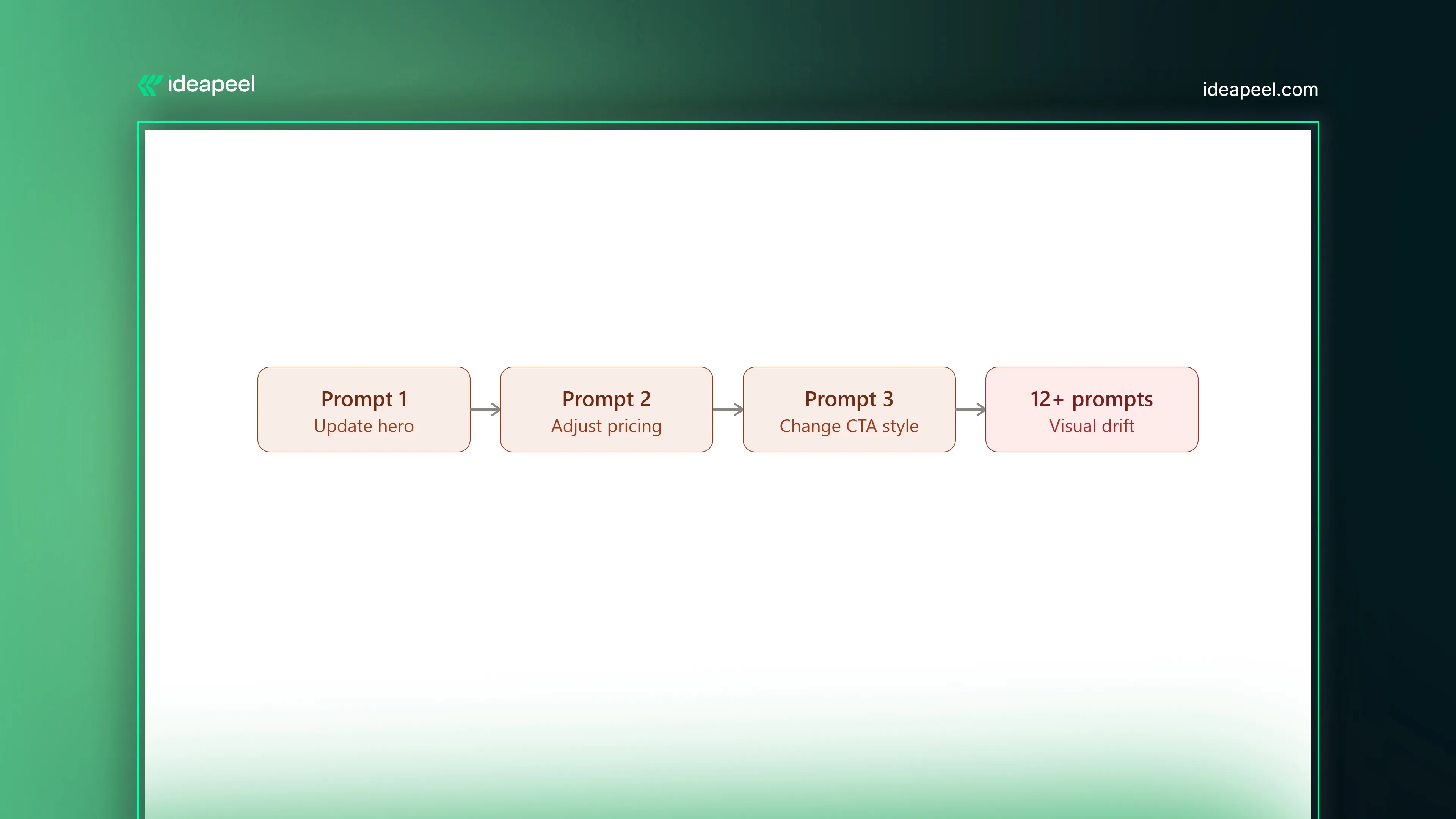
The either-or framing is usually wrong. The pattern that works splits the decision by surface, not by company:
- Product, app, or anything behind a login: a custom stack, built fast with AI tools and owned in code.
- Marketing site, blog, and campaign pages: Webflow, so marketing owns it without filing engineering tickets.
Each surface lives where it performs best, and the two connect cleanly. This is why most companies that get past the first six months end up running both: a custom, AI-assisted product alongside a Webflow marketing site, rather than migrating from one to the other.
Final Verdict
Both paths can produce a genuinely good website. The real question was never which one looks better at launch; it's who's maintaining and updating it three years from now. AI wins on speed to a first version. Webflow wins on speed to the hundredth change, with a predictable cost structure, native AEO-ready markup, and no engineering queue standing between your team and a published page. Most companies, once they think it through honestly, end up using both: a custom product built with AI, and a marketing site on Webflow, rather than forcing one tool to do both jobs.
Ready to Build the Right Way? Talk to ideapeel
If you're weighing this decision for your own site, the fastest way to get a straight answer is to map out who's actually going to be making changes next month, and let that person's skill set decide the platform. That's the exact conversation we have with clients every week.
At ideapeel, we build both sides of this equation: custom, AI-assisted products for teams that need to own their code, and fully custom Webflow marketing sites for teams that need to move fast without an engineering queue. We'll tell you plainly which parts of your site belong where, with no incentive to push you toward one tool over the other.
Explore more from ideapeel:
- Webflow Development Services: see how we plan, design, and build production-ready Webflow sites end to end
- SEO & AEO Services: the technical and content setup we run so your site ranks on Google and gets cited in AI answers
- UI/UX Design Services: the research-led design process behind every custom build, not just a visual pass
- Webflow vs. Wix: Which One Is Better?: a deeper platform comparison if you're still weighing your options
- Webflow Development Agency Guide: what to look for when choosing a Webflow partner, including AEO and GEO capability
Book a free discovery call, and we'll map out exactly which parts of your site should be Webflow, which should be custom, and why, before you spend a dollar on either.[[last-cta]]
Frequently Asked Question on Ai builder vs Webflow
Enter your website URL to receive a detailed website analysis report in just 5 minutes!

Are AI website builders SEO friendly?
It depends on the tool. AI-coded sites (built with tools like Claude or v0 and hosted on Vercel) can reach a very high technical SEO ceiling because you control the raw code directly.